Core
- Core Overview
- User Management
- Role Management
- Branch / Company
- Approval Request
- Local Files
- Message History
- Application Configuration
- Activity Logs
Core Overview
Purpose
The Core Overview dashboard provides a centralized summary of system resources, user activities, server performance, and available system modules. It helps administrators monitor system health, user access, and overall ERP platform status.
Dashboard Components
1. Active Users
Type
- KPI Card
Description
Displays the total number of active user accounts in the system.
Purpose
Monitor the number of users currently registered and authorized to access the ERP system.

2. Active Branches
Type
- KPI Card
Description
Displays the total number of active company branches configured in the system.
Purpose
Provide an overview of operational branches currently using the ERP system.

3. Active Modules
Type
- KPI Card
Description
Displays the total number of enabled ERP modules.
Purpose
Show the available functional modules currently activated for the organization.

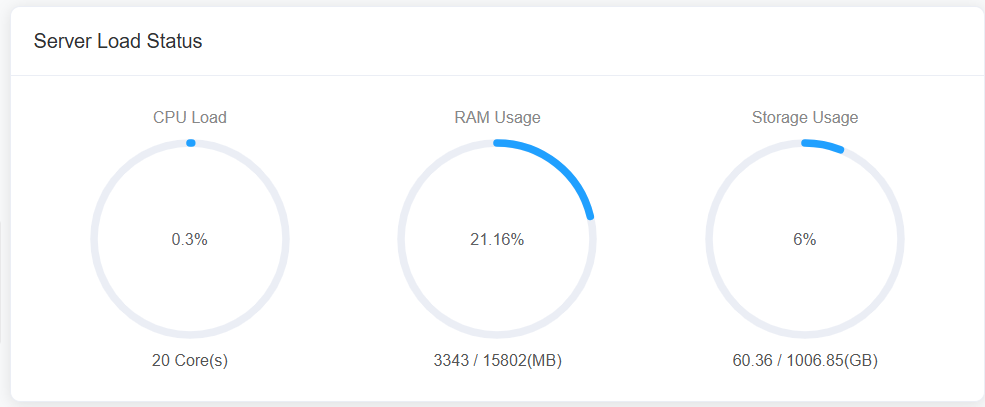
4. Server Load Status
Type
- System Status Panel
Display
Displays the current server resource utilization, including:
- CPU Load
- RAM Usage
- Storage Usage
Purpose
Monitor server performance and ensure sufficient system resources for stable ERP operation.
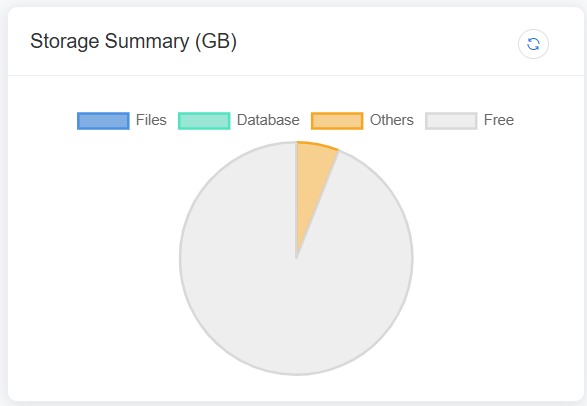
5. Storage Summary (GB)
Chart Type
- Pie Chart
Display
Storage allocation categorized by usage.
Example:
- Files
- Database
- Others
- Free
Purpose
Visualize how server storage capacity is distributed across different data categories.
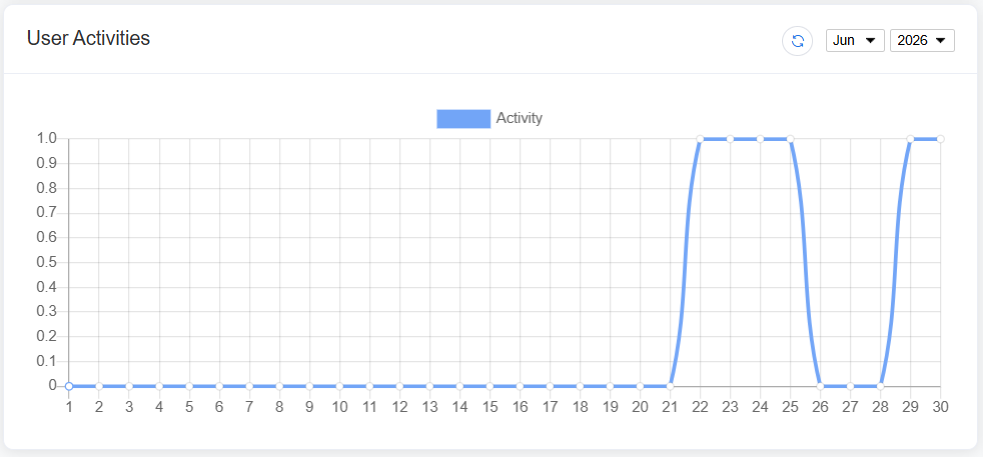
6. User Activities
Chart Type
- Smooth Line Chart
Display
Shows user activity trends over time, such as daily or hourly login and system usage.
Purpose
Monitor user activity patterns and identify peak system usage periods.
Activity Tables
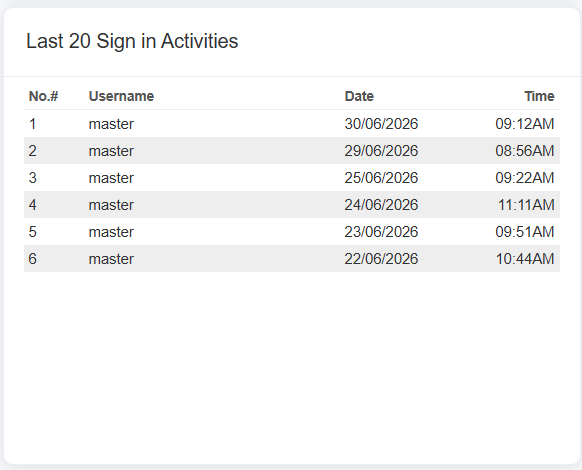
7. Last 20 Sign In Activities
Displays the latest 20 user login records.
| Column |
|---|
| No. |
| Username |
| Date |
| Time |
Purpose
Track recent user login activities for system monitoring and security auditing.
8. Available Features / Modules
Displays all ERP modules currently available to the user or organization.
Example Modules:
- Core
- EmployeeHub
- Payroll
- Reporting
- Bookkeeping
- Inventory
- Purchase
- Sales
Purpose
Provide a quick overview of the ERP modules enabled within the system.
