Inventory
- Inventory Overview
- Outbound Management
- Inbound Management
- Production
- Operations
- Setup Inventory Overview
- Setup Stock Issue
- Setup Cancel Shipment
- Setup Stock Receive
- Setup Stock Adjustment
- Setup Stock Transfer
- Setup Internal Movement
- Setup Scrap
- Setup Low Level Stock Control
- Setup New Customer
- Setup New Supplier
Inventory Overview
Purpose
The Inventory Overview dashboard provides a real-time summary of inventory status, stock value, inventory movements, and shipment activities. It helps users monitor stock levels, inventory performance, and outstanding warehouse operations.
Dashboard Components
1. Active Item Code
Type
- KPI Card
Description
Displays the total number of active item codes currently available in the inventory system.
Purpose
Monitor the number of active products managed by the system.
2. Active Stock Group
Type
- KPI Card
Description
Displays the total number of active stock groups.
Purpose
Provide an overview of product categories used in inventory management.
3. Current Stock Value
Type
- KPI Card
Description
Displays the current total inventory value based on available stock.
Purpose
Monitor the current financial value of inventory.

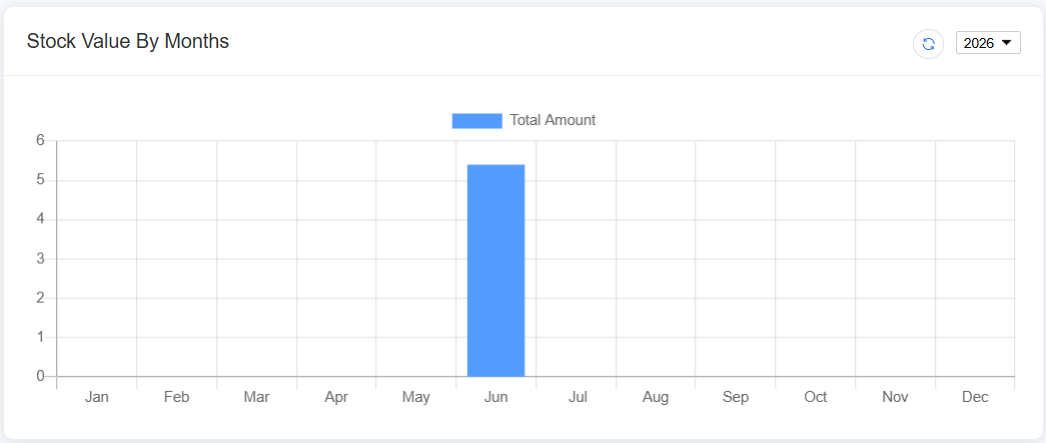
4. Stock Value by Months
Chart Type
- Bar Chart
Display
Monthly stock value.
Purpose
Compare inventory value across different months.
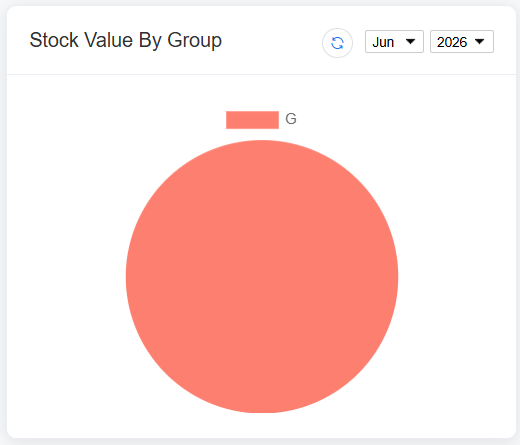
5. Stock Value by Group
Chart Type
- Pie Chart
Display
Inventory value distribution by stock group.
Purpose
Identify which stock groups contribute the highest inventory value.
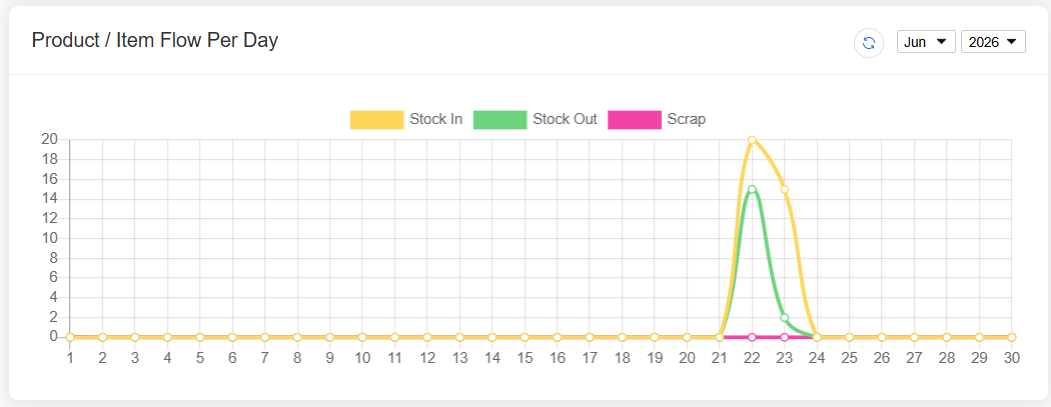
6. Product / Item Flow per Day
Chart Type
- Smooth Line Chart
Display
Daily inventory movement, including:
- Stock In
- Stock Out
- Scrap
Purpose
Monitor daily inventory movement and warehouse activities.
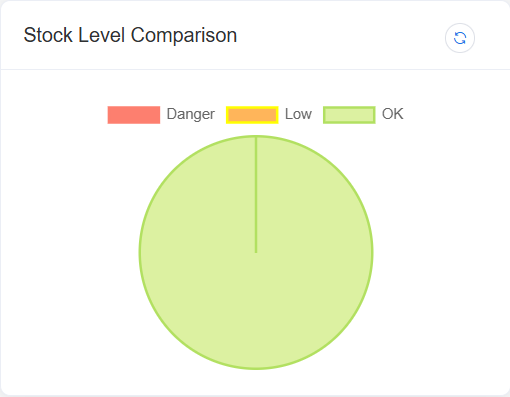
7. Stock Level Comparison
Chart Type
- Pie Chart
Display
Comparison of inventory based on stock levels.
Purpose
Quickly identify products that require replenishment or stock adjustment.
Shipment Status
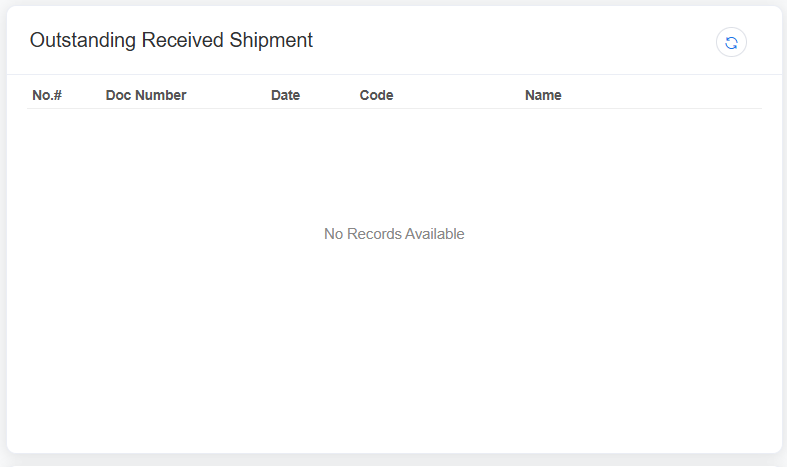
8. Outstanding Received Shipment
Type
- Information Card / KPI
Description
Displays the total number of incoming shipments that have not yet been received into inventory.
Purpose
Monitor pending supplier deliveries.
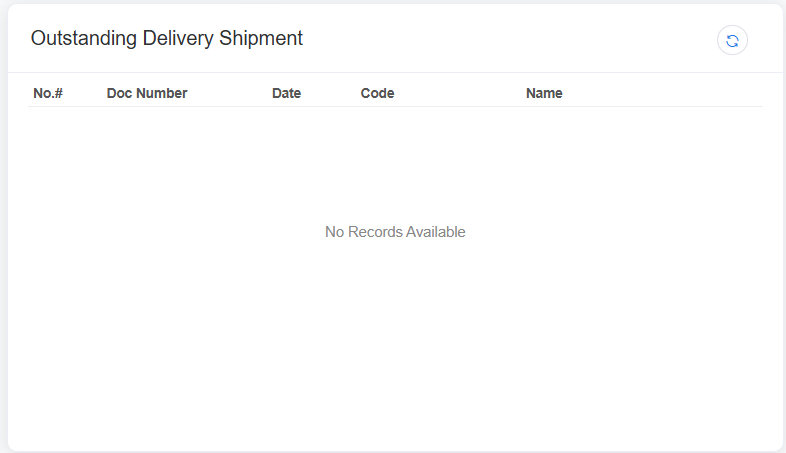
9. Outstanding Delivery Shipment
Type
- Information Card / KPI
Description
Displays the total number of outgoing shipments that have not yet been delivered.
Purpose
Track pending customer deliveries.
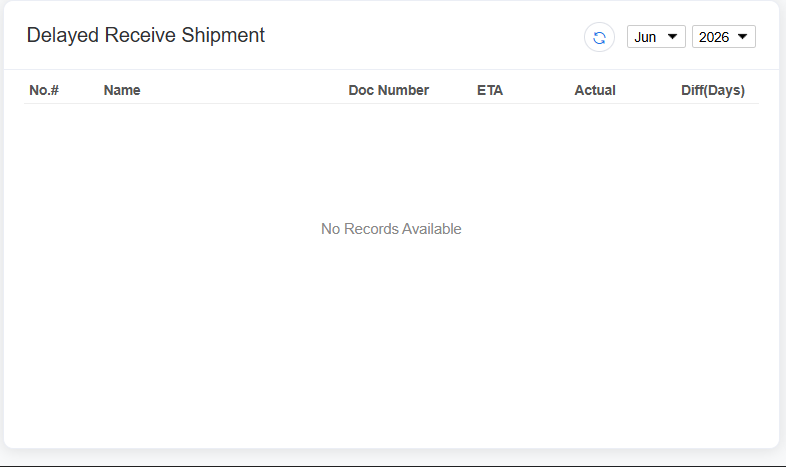
10. Delayed Received Shipment
Type
- Information Card / KPI
Description
Displays incoming shipments that are overdue based on the expected receiving date.
Purpose
Identify supplier delivery delays.
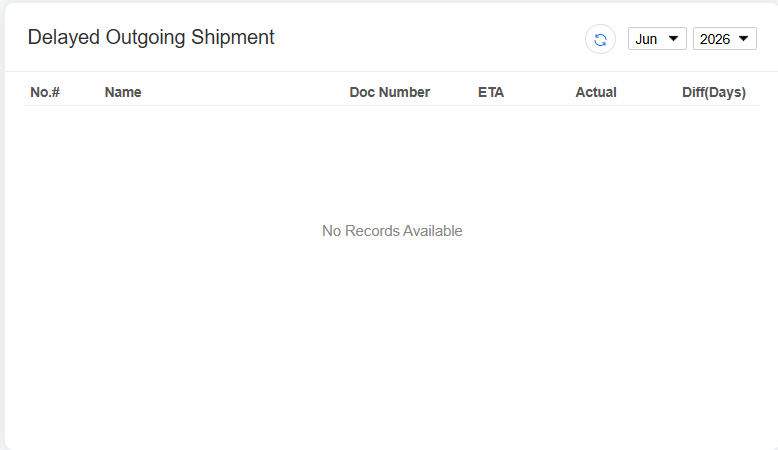
11. Delayed Outgoing Shipment
Type
- Information Card / KPI
Description
Displays outgoing shipments that have exceeded the scheduled delivery date.
Purpose
Monitor delayed customer deliveries and improve fulfillment performance.
Outbound Management
Setup Delivery Order
Purpose
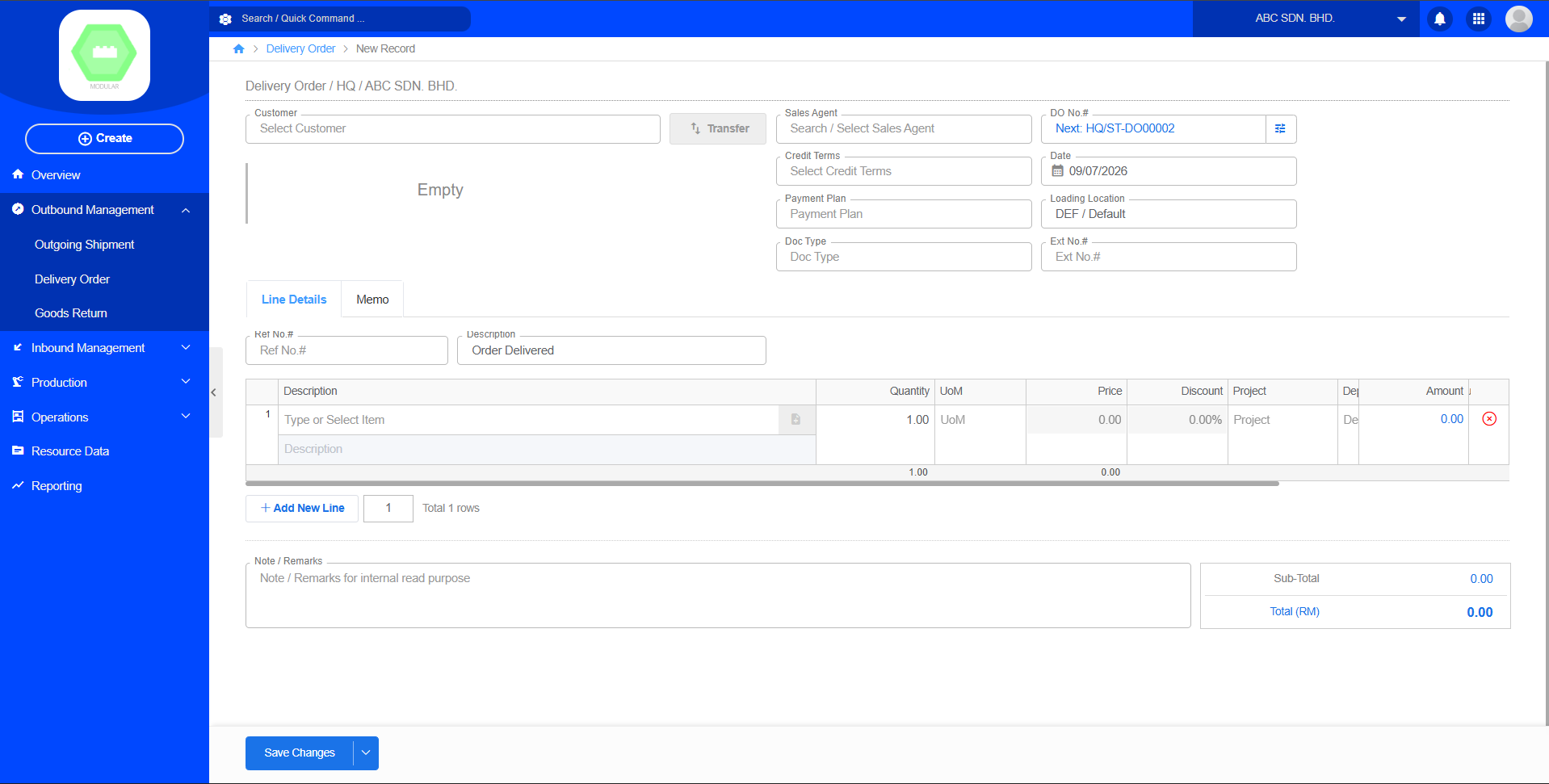
The Delivery Order module is used to create a customer shipping order, recording the goods, quantities, and delivery details to be delivered to the customer. Once created, a Delivery Order can serve as the basis for subsequent Transfers, Outgoing Shipments, and Sales Invoices.
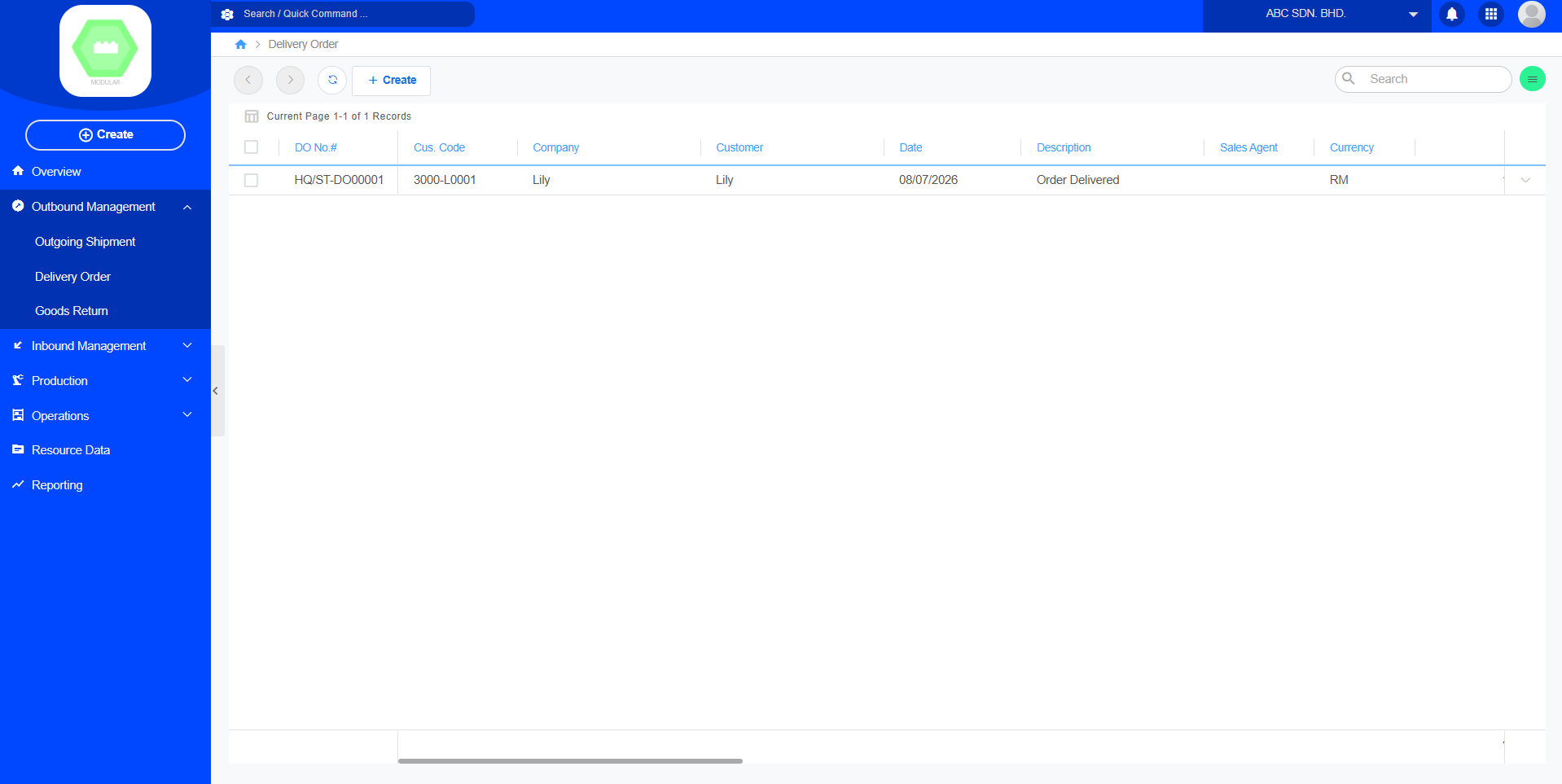
Create New Delivery Order:
Setup Goods Return
Purpose
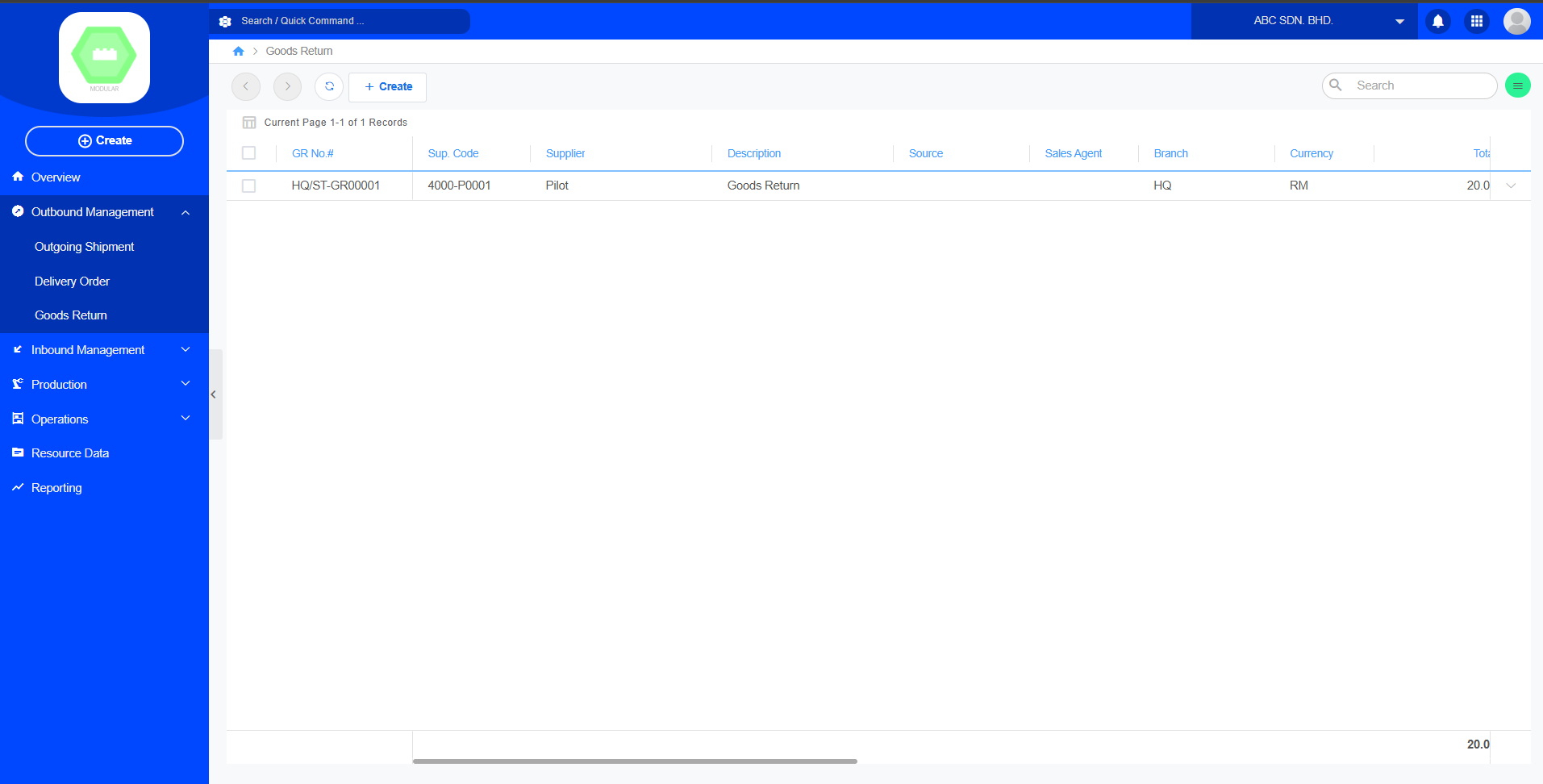
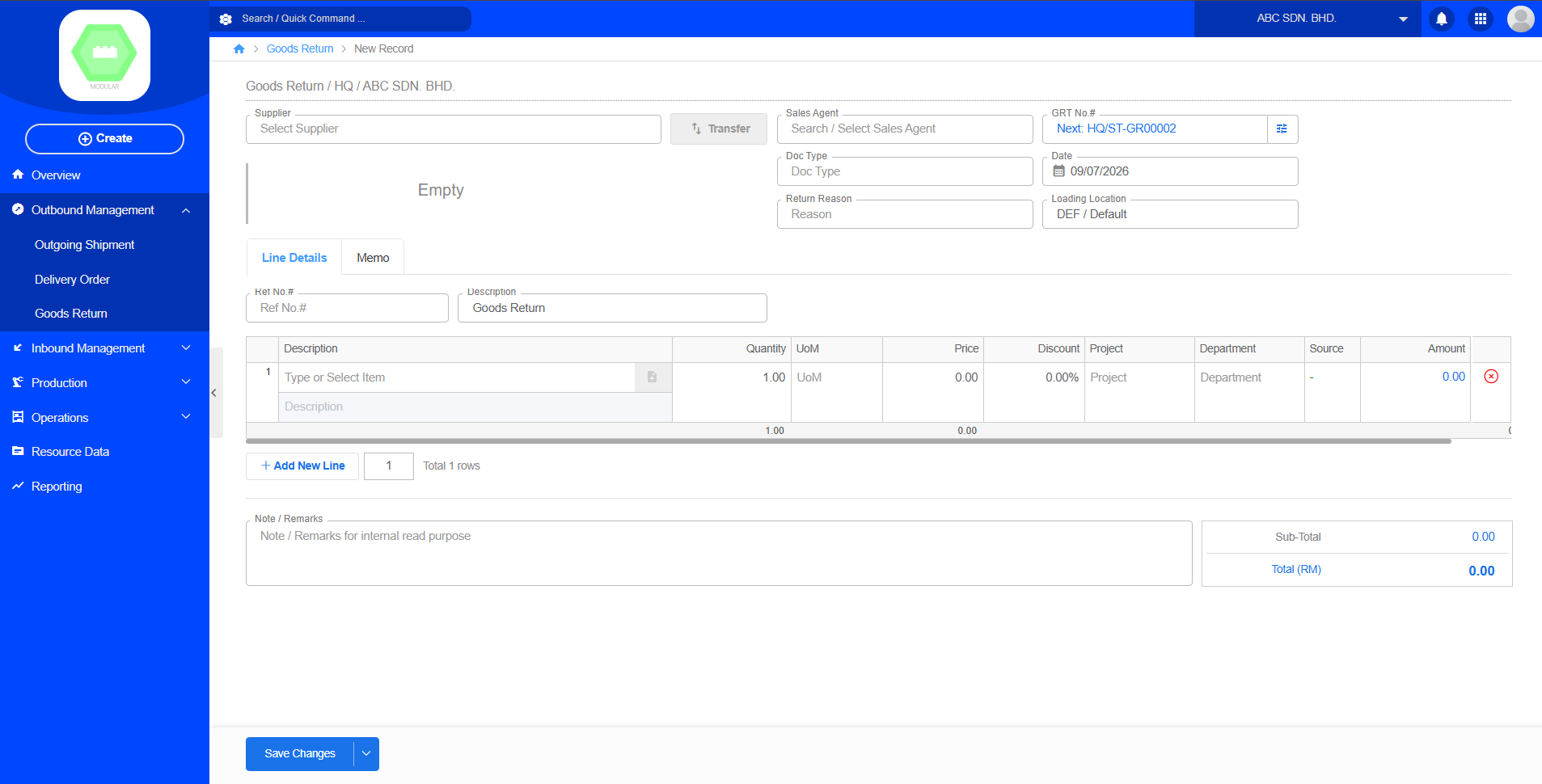
Goods Return is used to manage the process of customer-returned goods. A Goods Return record is created when a customer returns goods due to product damage, quality issues, incorrect shipment, or other reasons. The system updates inventory levels and retains a complete return history for subsequent analysis and tracking.
Create New Goods Return:
Inbound Management
Setup Incoming Shipment
Setup Goods Receive
Purpose
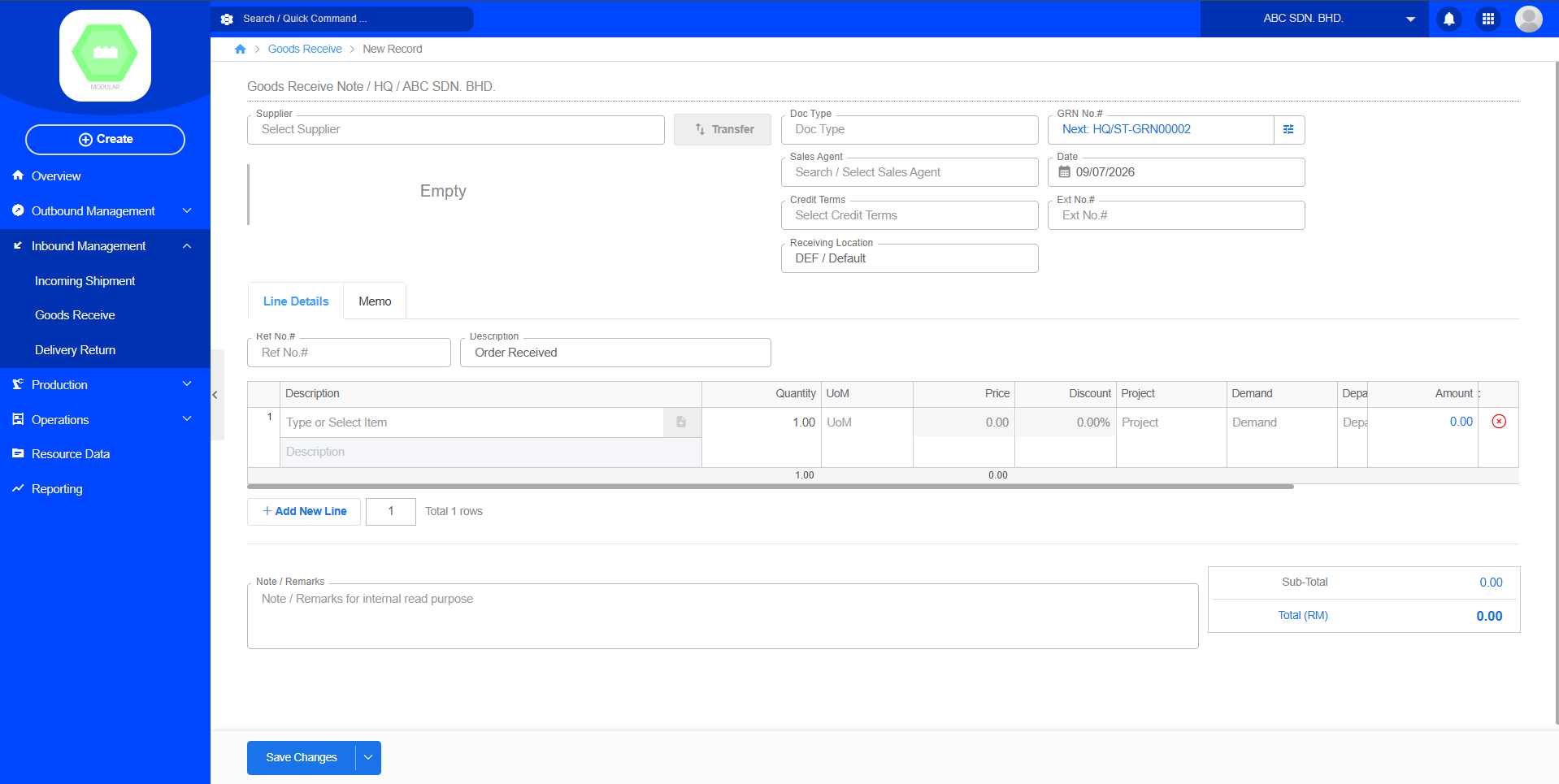
Goods Receive is used to confirm that goods delivered by the supplier have been accepted and officially put into storage. After Goods Receive is completed, the system will automatically update the inventory quantity and create a complete receiving record. This function is usually integrated with Purchase Order (PO) and Incoming Shipment to ensure consistency between purchasing, receiving, and inventory data.
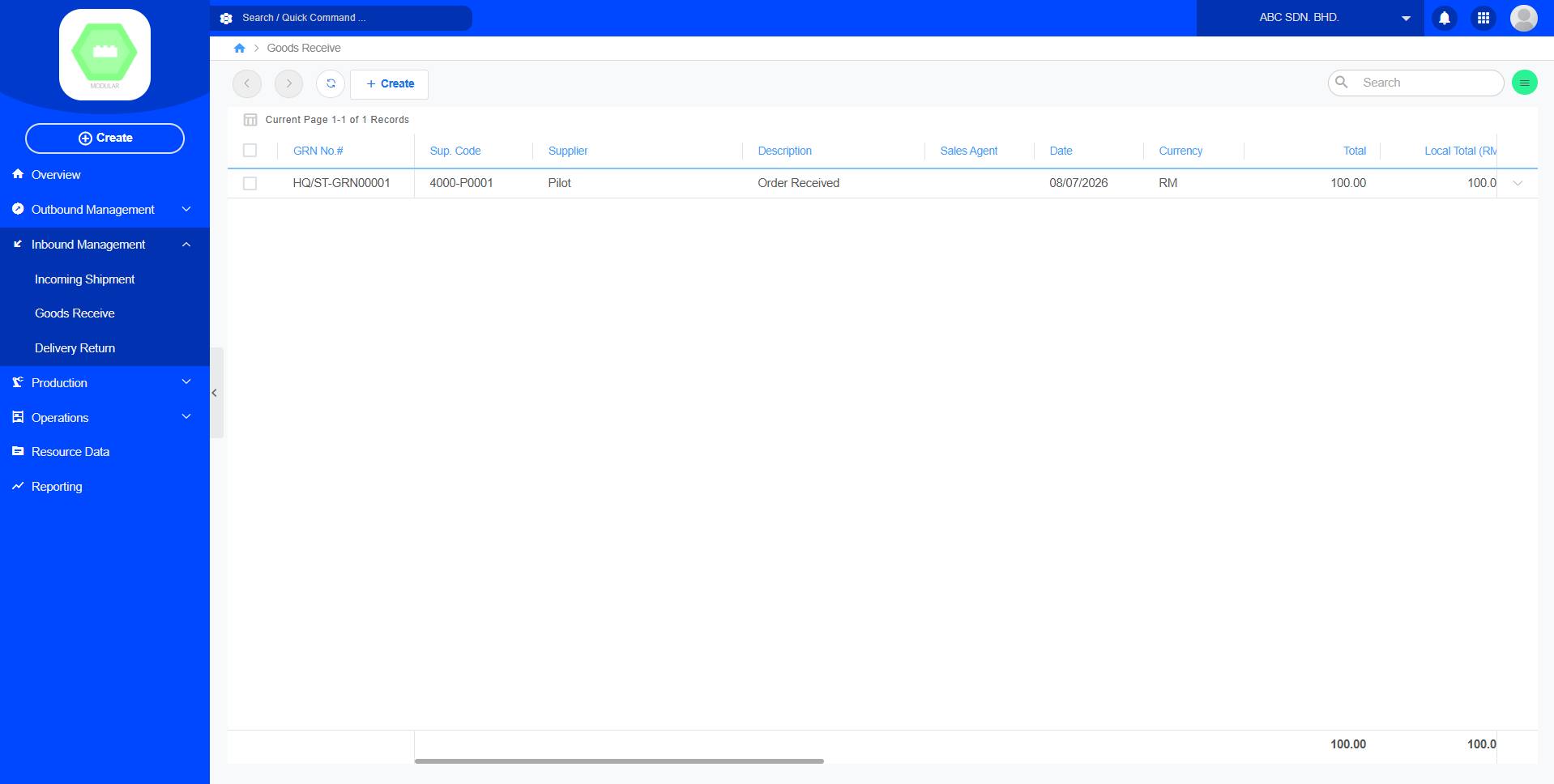
Create New Goods Receive:
Setup Delivery Return
Purpose
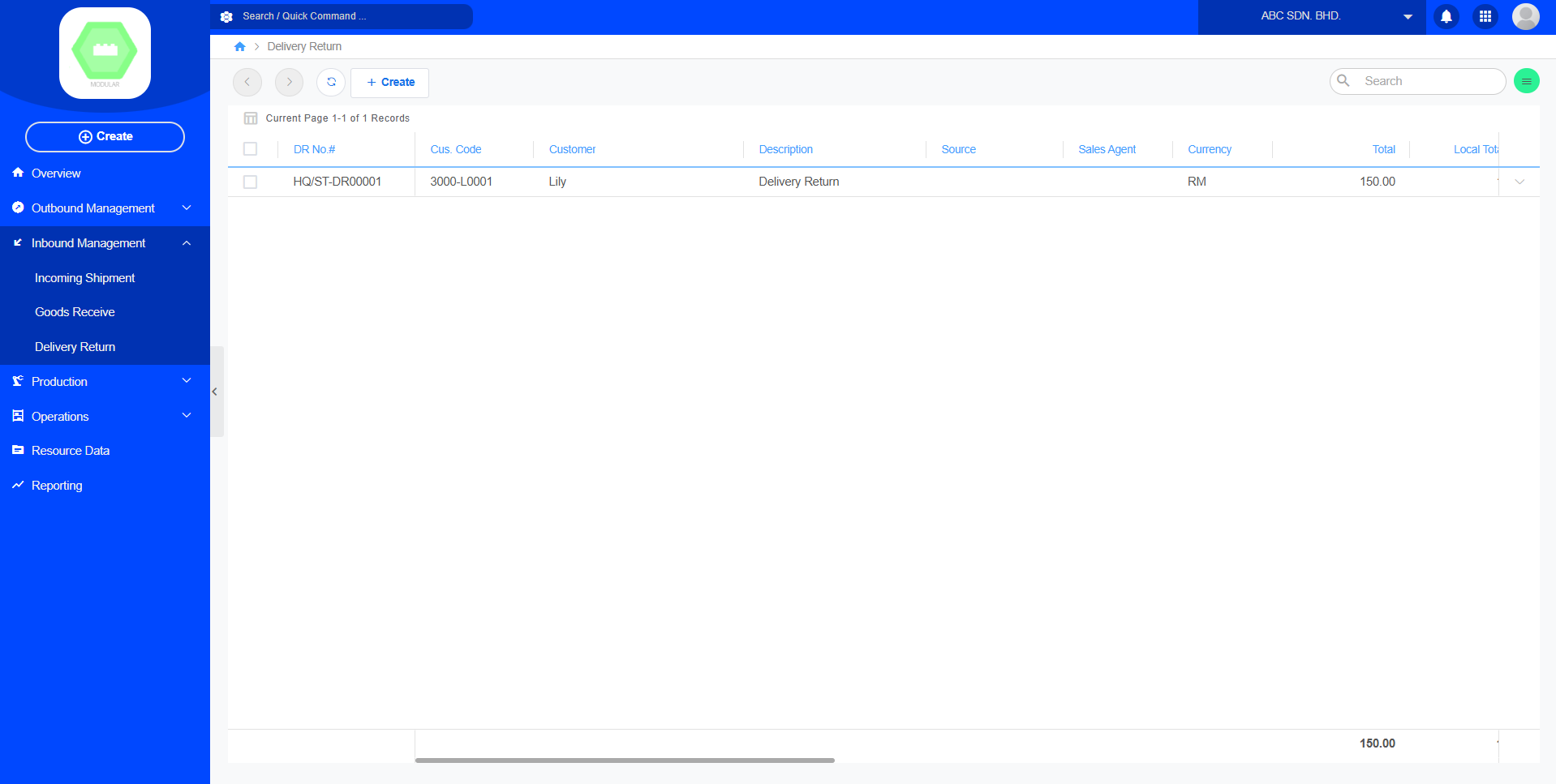
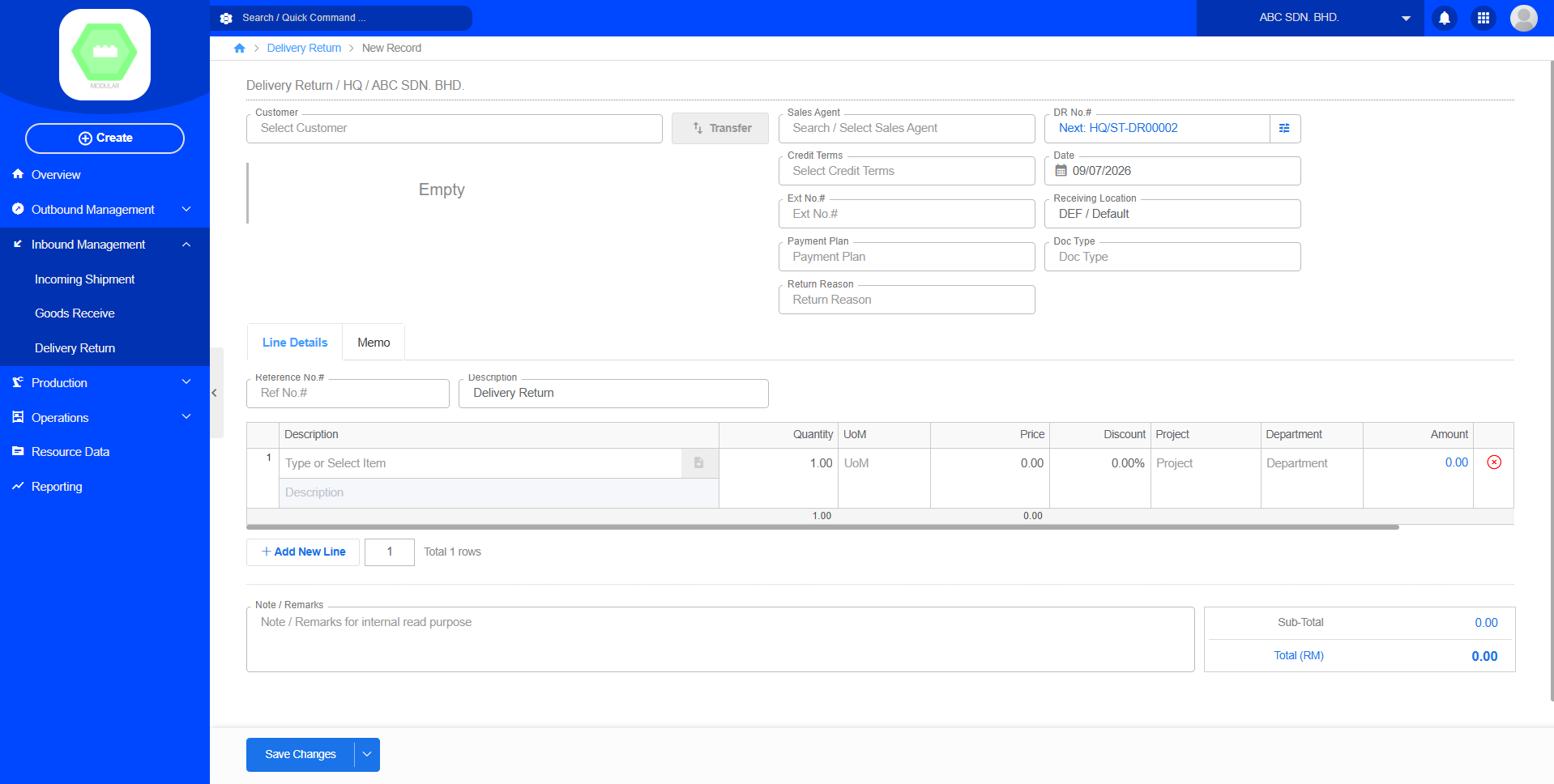
Create New Delivery Return:
Production
Setup Production Job Order
Purpose
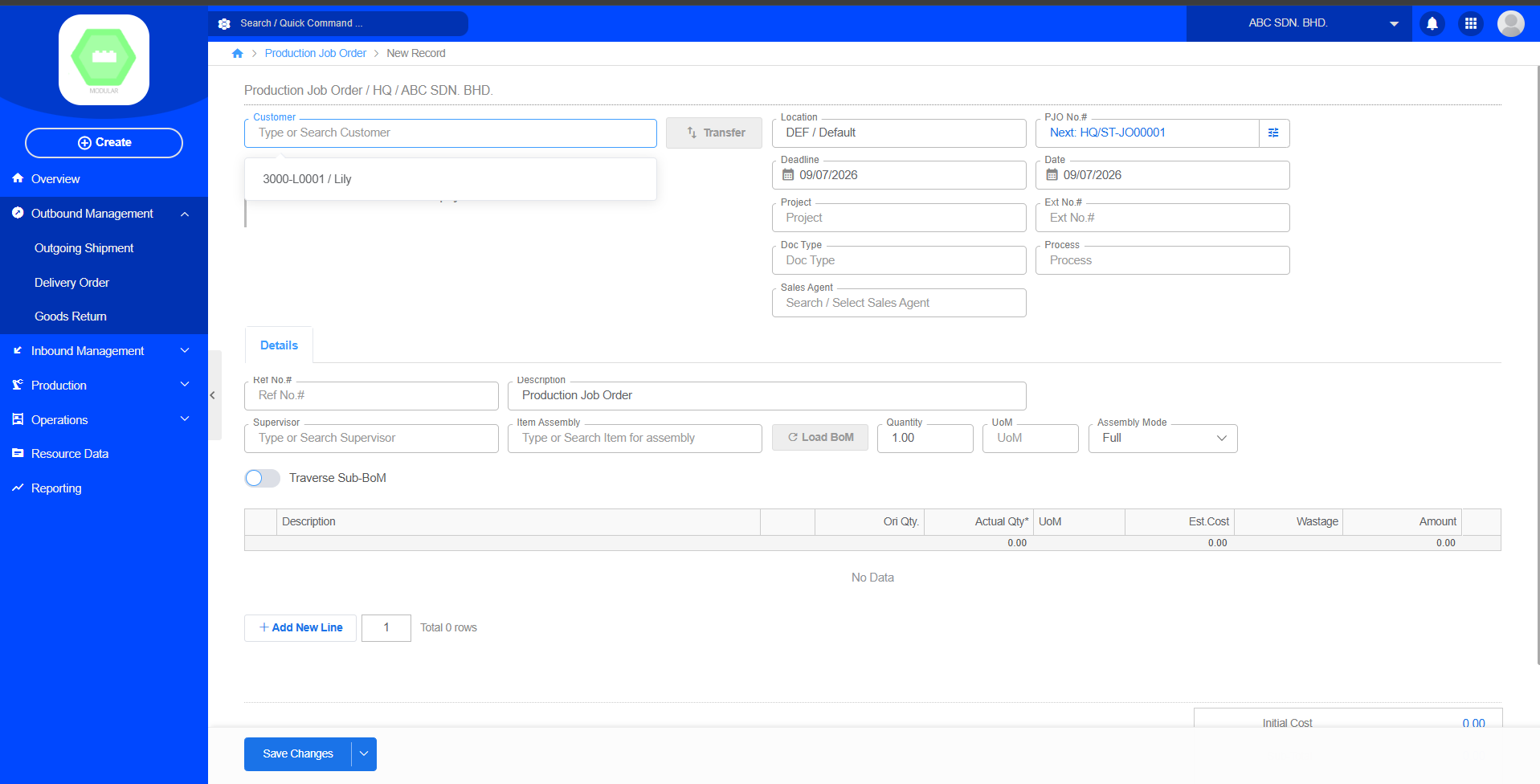
Production Job Orders are used to create and manage production work orders, recording the products to be produced, production quantities, required materials (Bill of Materials, BOM), and related production data. Once a Job Order is created, it serves as the basis for subsequent Production Orders, Stock Issues, and Finished Goods Receipts.
Create New Production Job Order:
Setup Production Order
Setup Stock Assembly
Setup Stock Disassembly
Operations
Setup Inventory Overview
Purpose
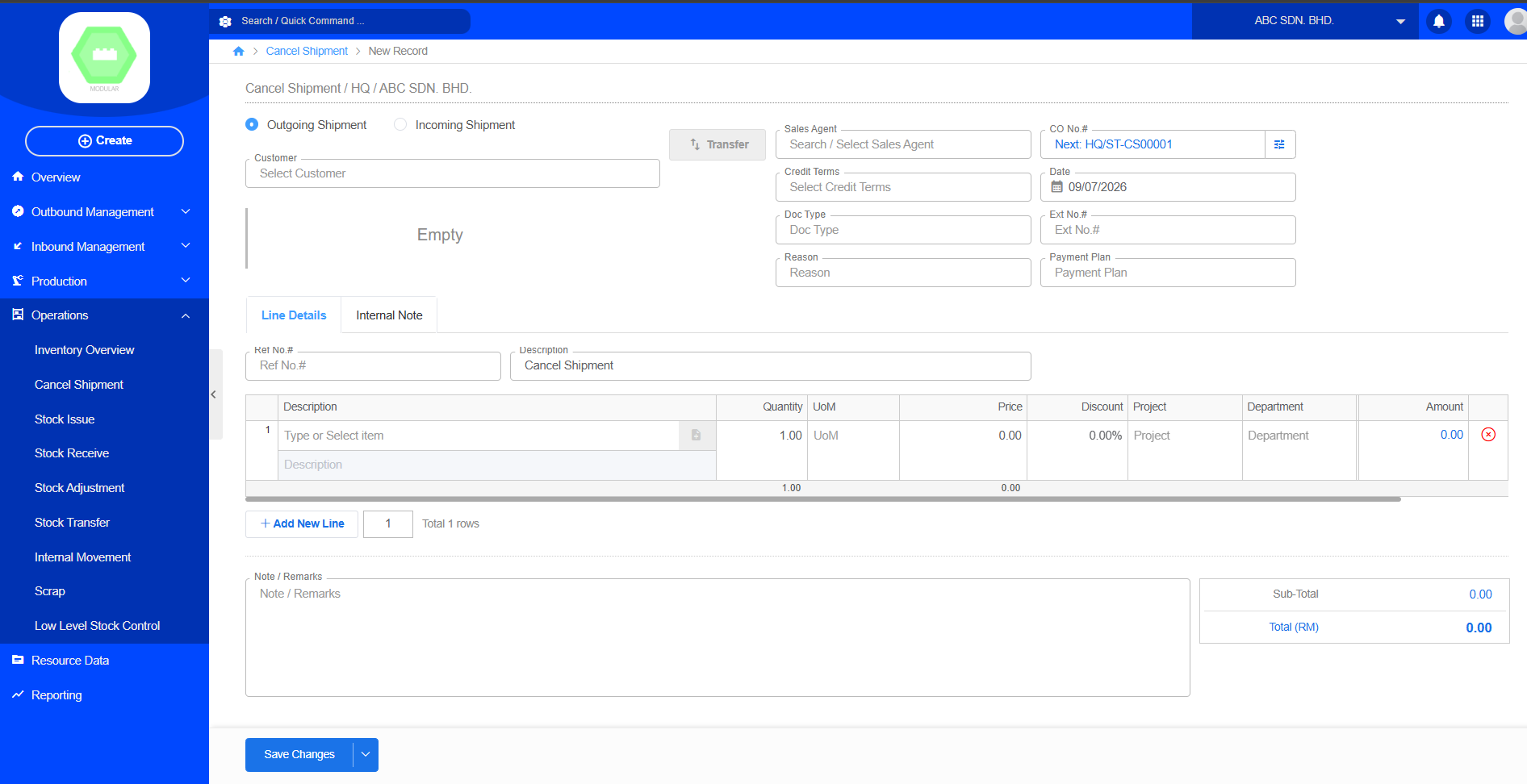
Setup Stock Issue
Setup Cancel Shipment
Setup Stock Receive
Setup Stock Adjustment
Setup Stock Transfer
Setup Internal Movement
Setup Scrap
Setup Low Level Stock Control
Setup New Customer
Purpose
1. Find Resource Data
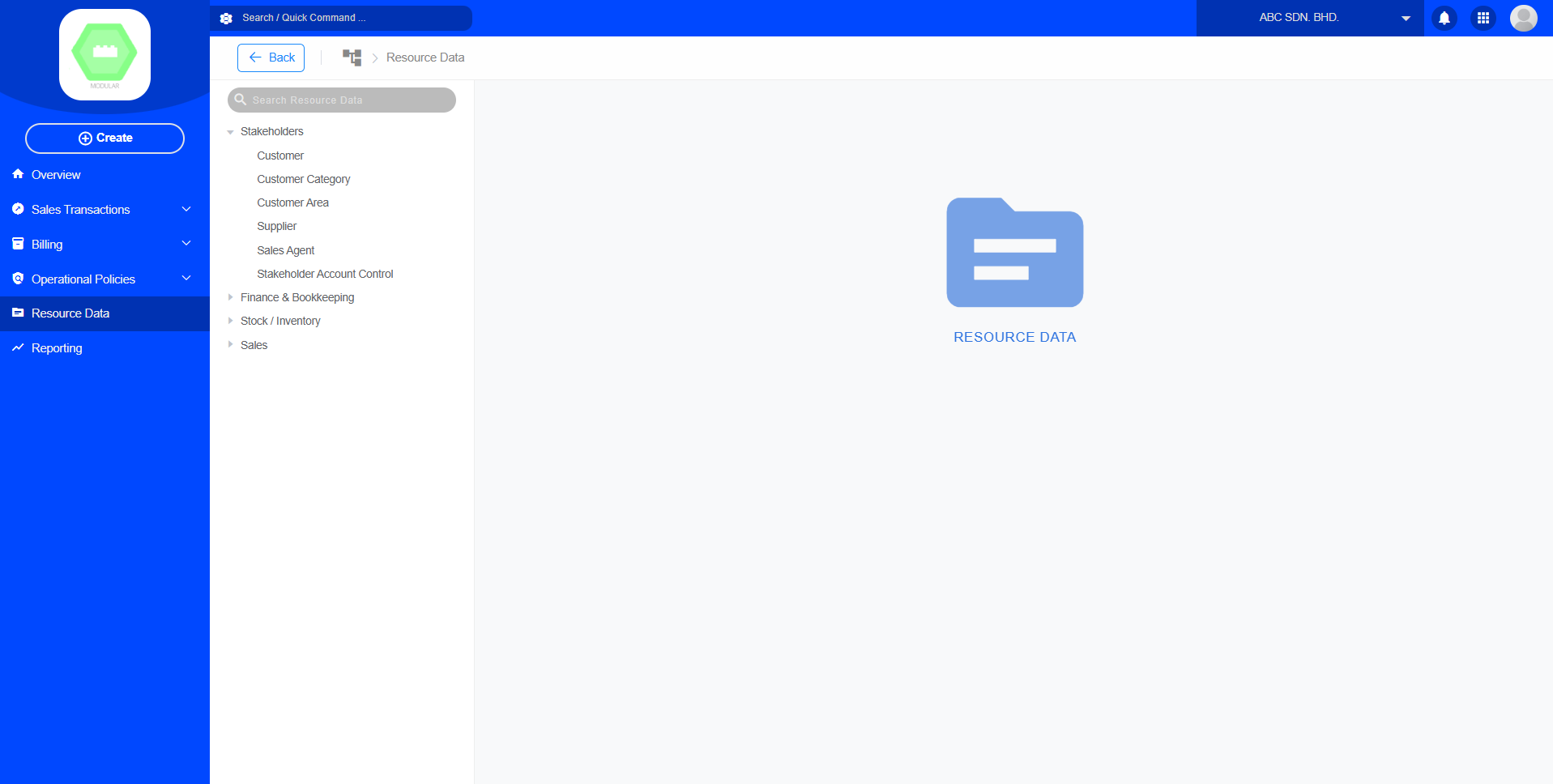
2. Select Customer
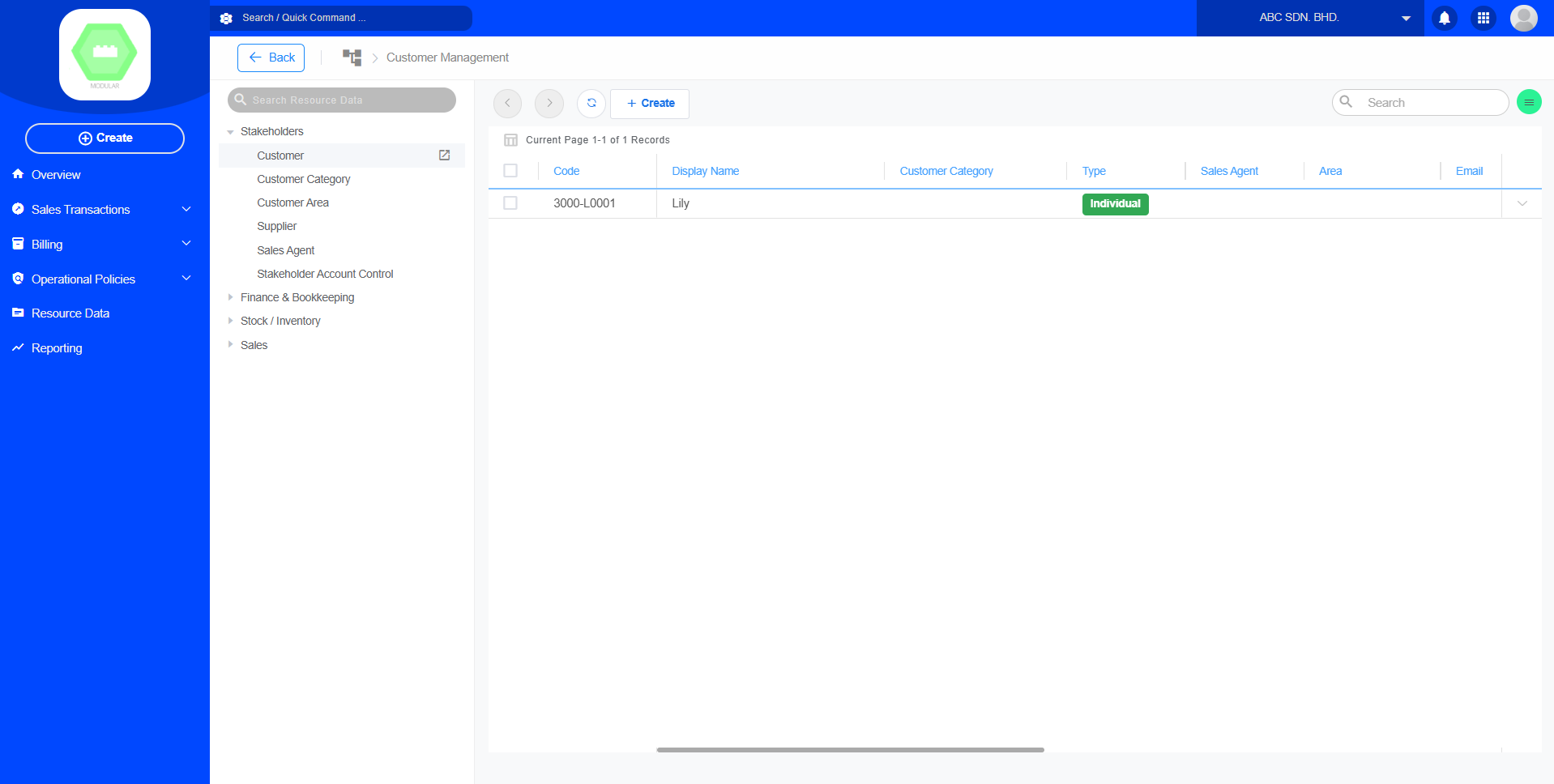
3. Create New Customer
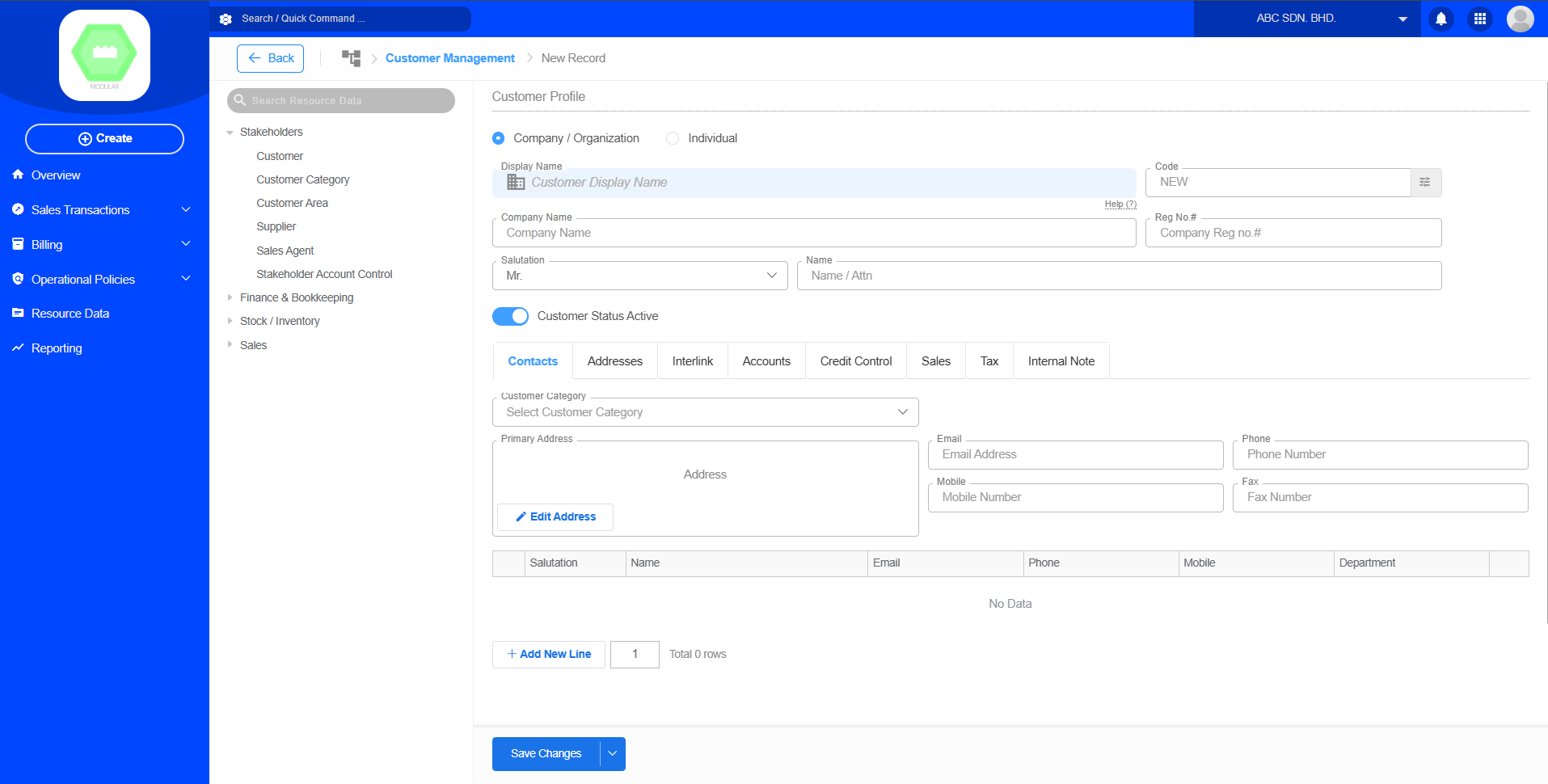
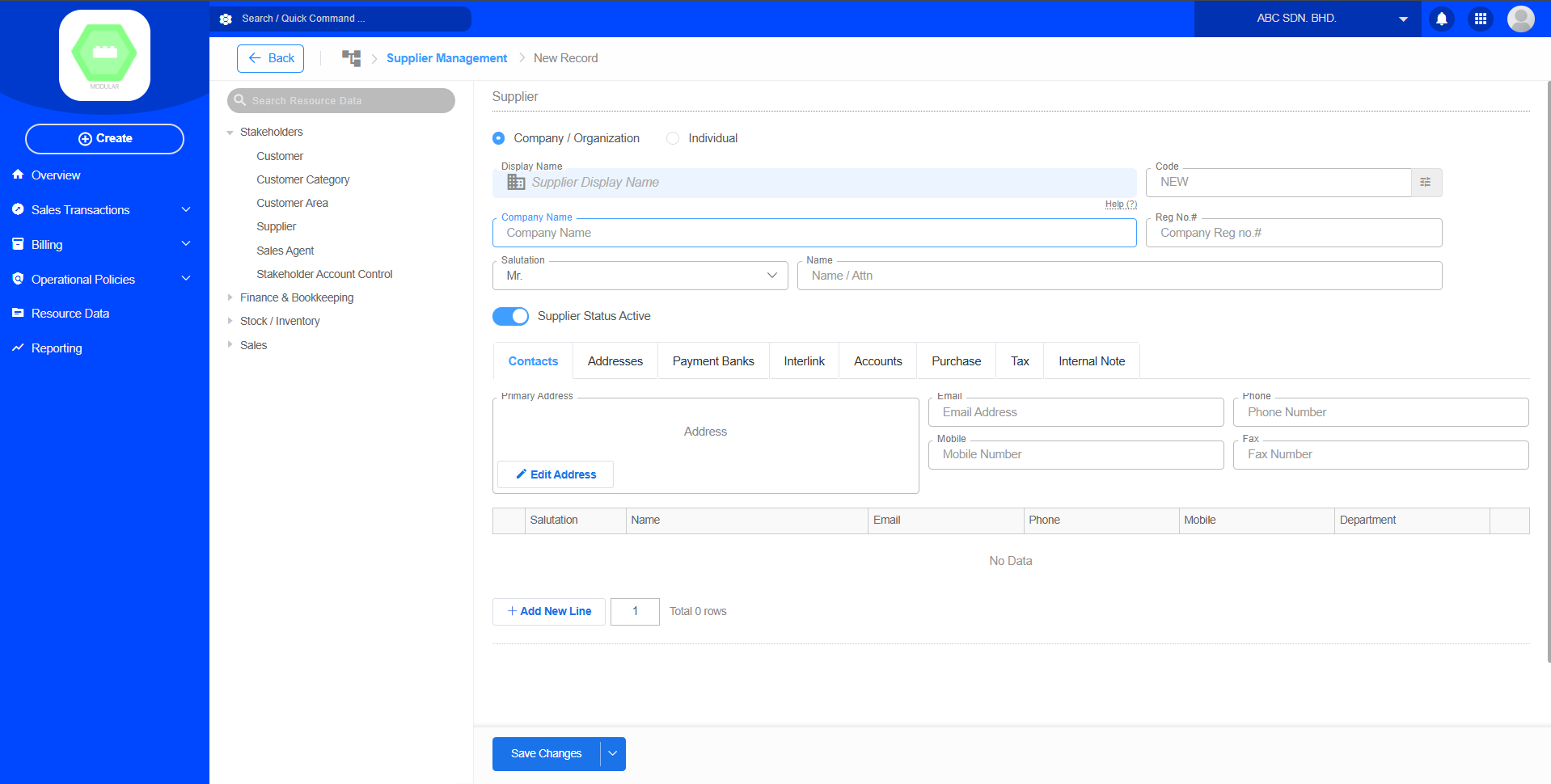
Setup New Supplier
Purpose
1. Find Resource Data
2. Select Supplier
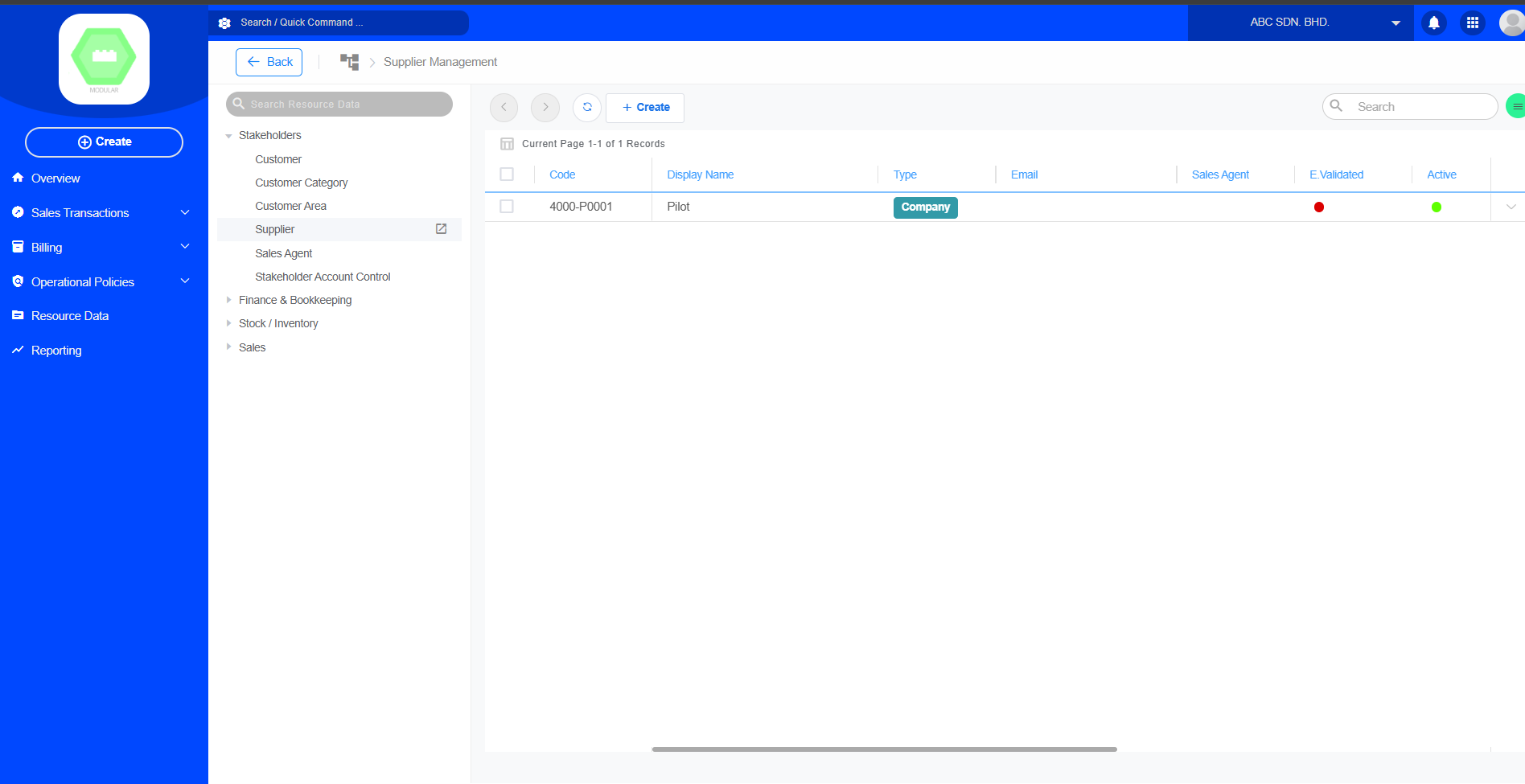
3. Create New Supplier