Chapter 2: Payroll Component
Purpose
The Payroll Component module is used to configure the master data and payroll elements required for payroll calculation. It allows administrators to define organizational structures, salary components, leave settings, and accounting mappings before payroll processing.
1. Position
Purpose
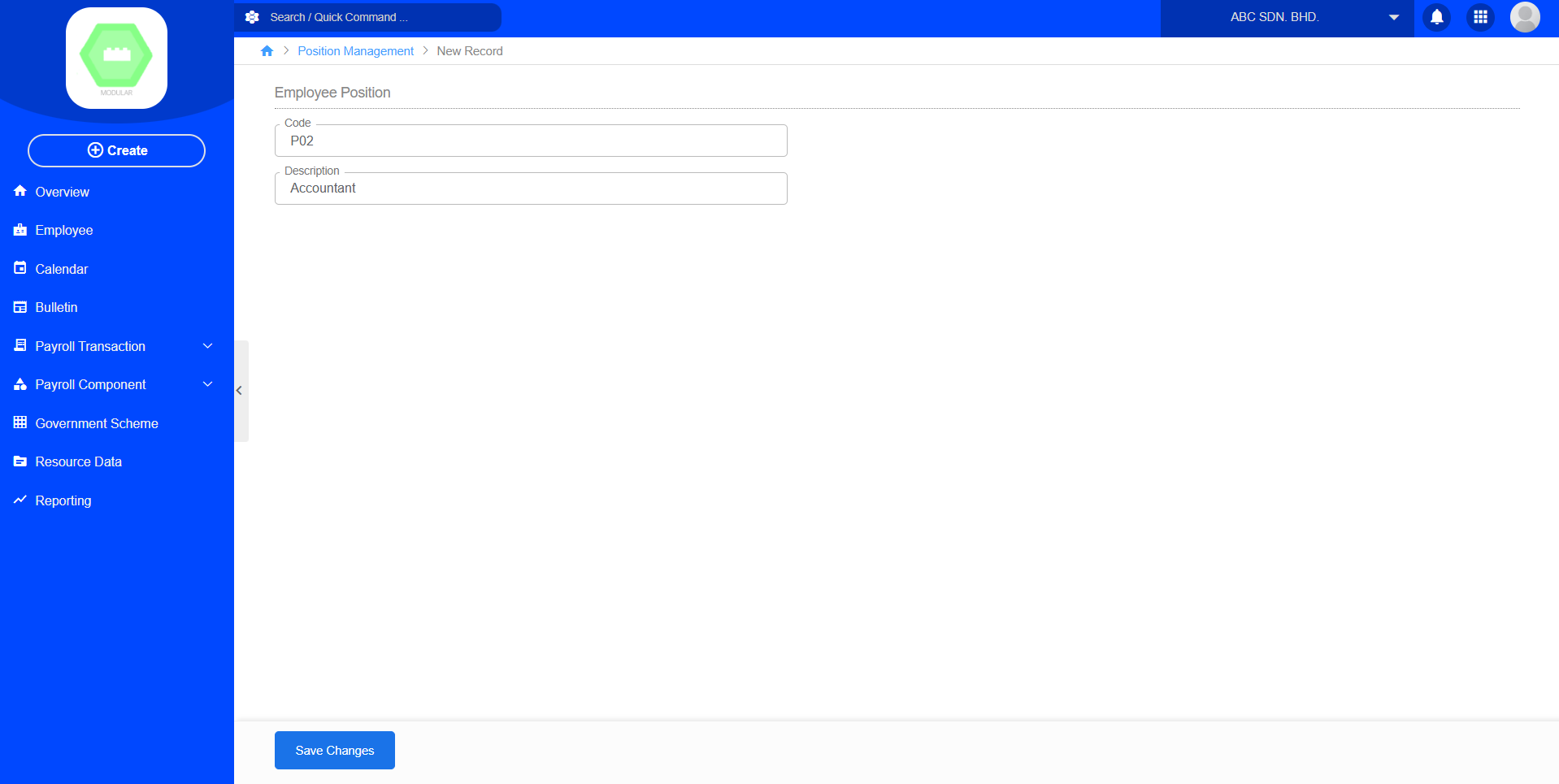
The Position module manages the list of employee job positions within the organization. Create new position by code and description.
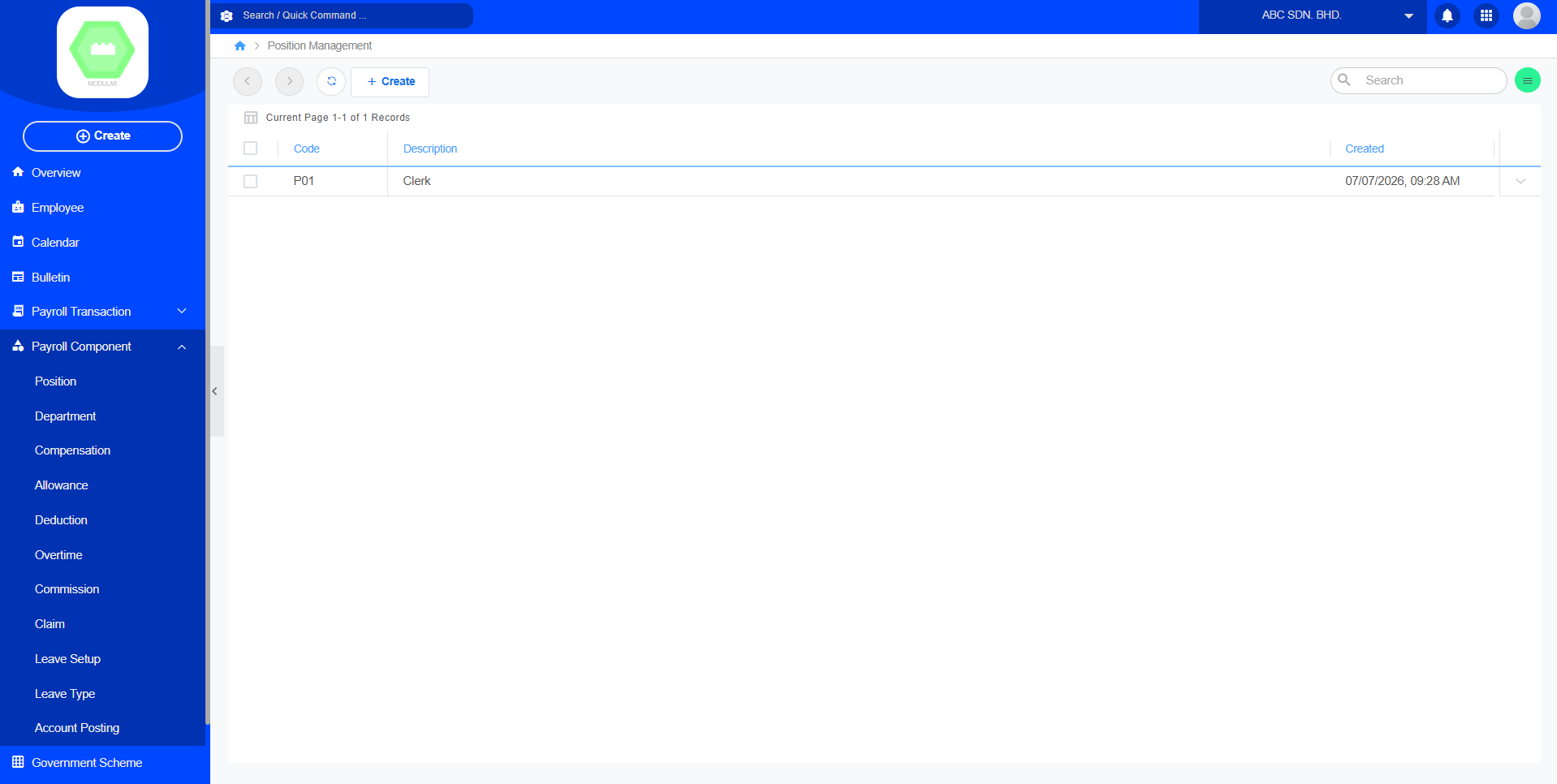
Create New Position:
2. Department
Purpose
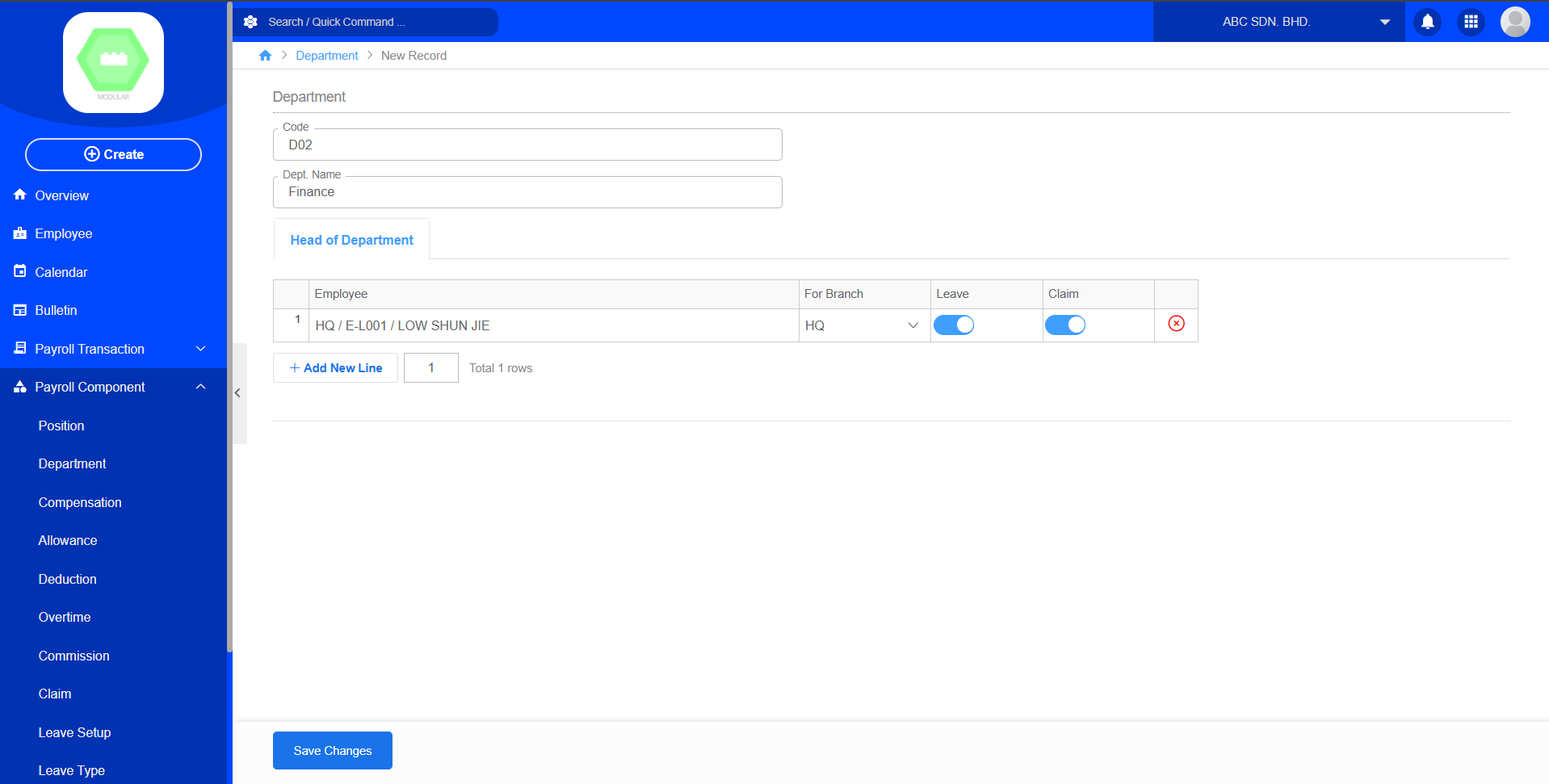
The Department module manages the organizational departments used throughout the payroll system. Create new department by code, department name and select employees. The head of department can add employees under the department.
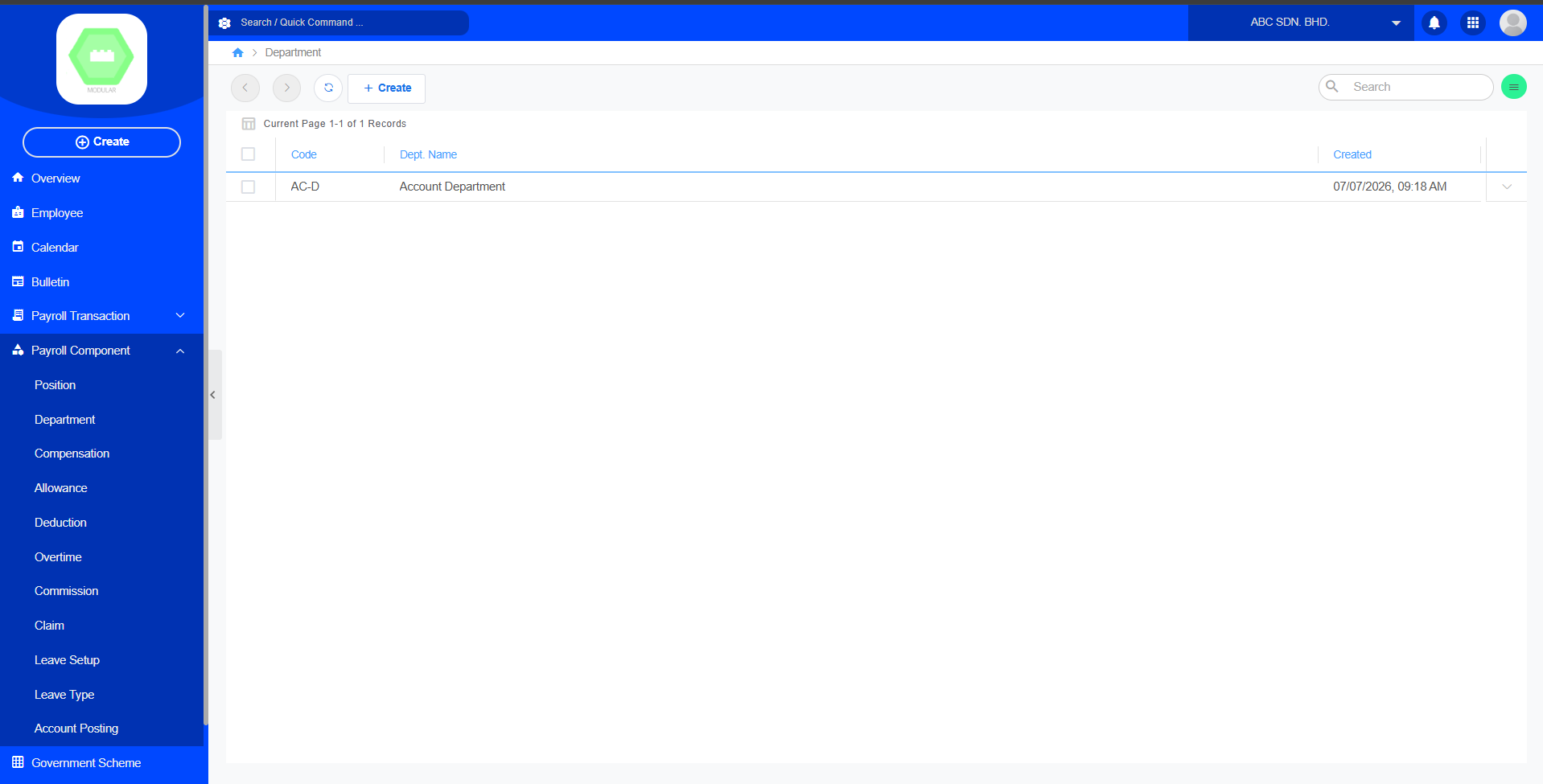
Create New Department:
3. Compensation
Purpose
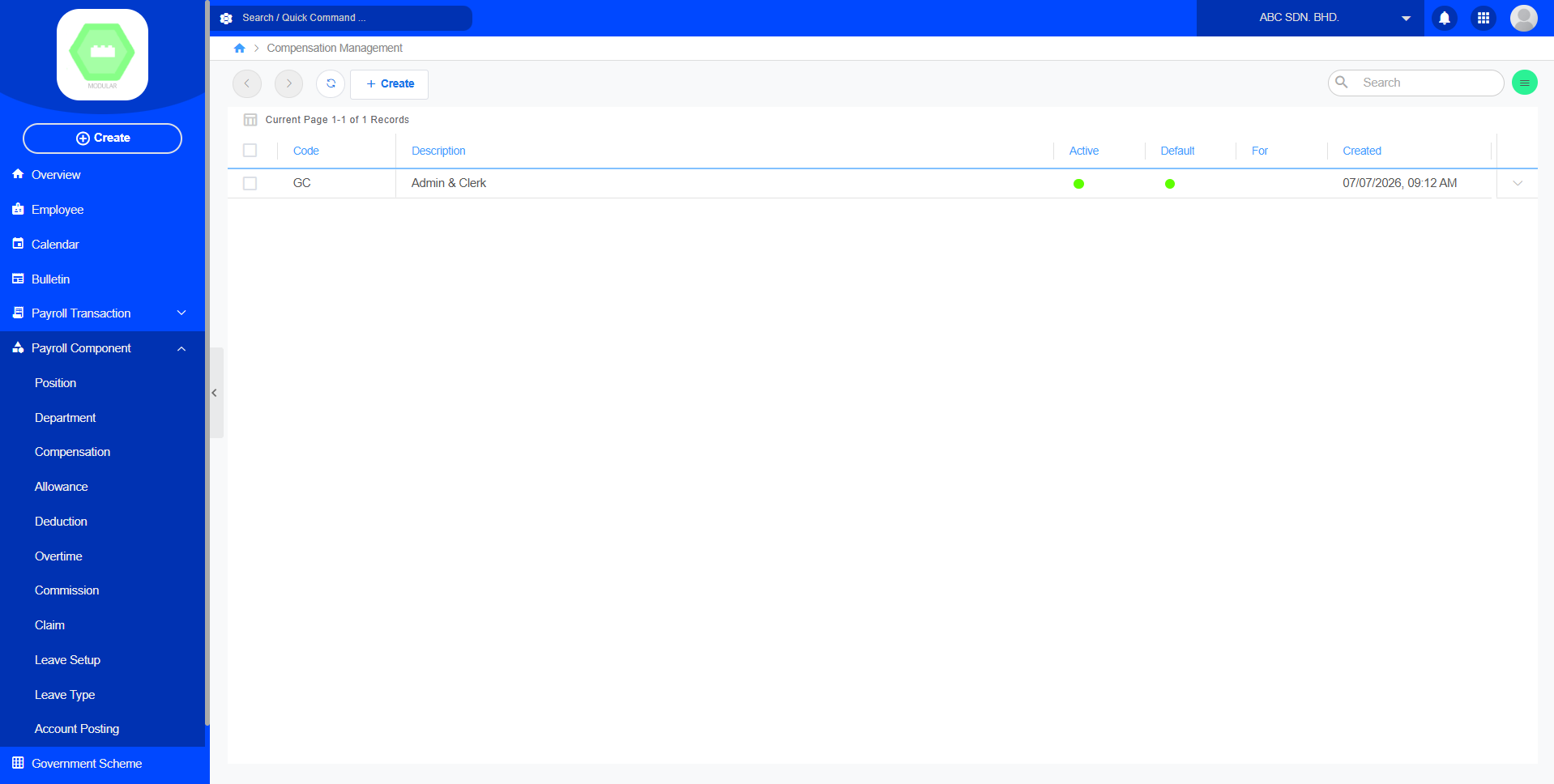
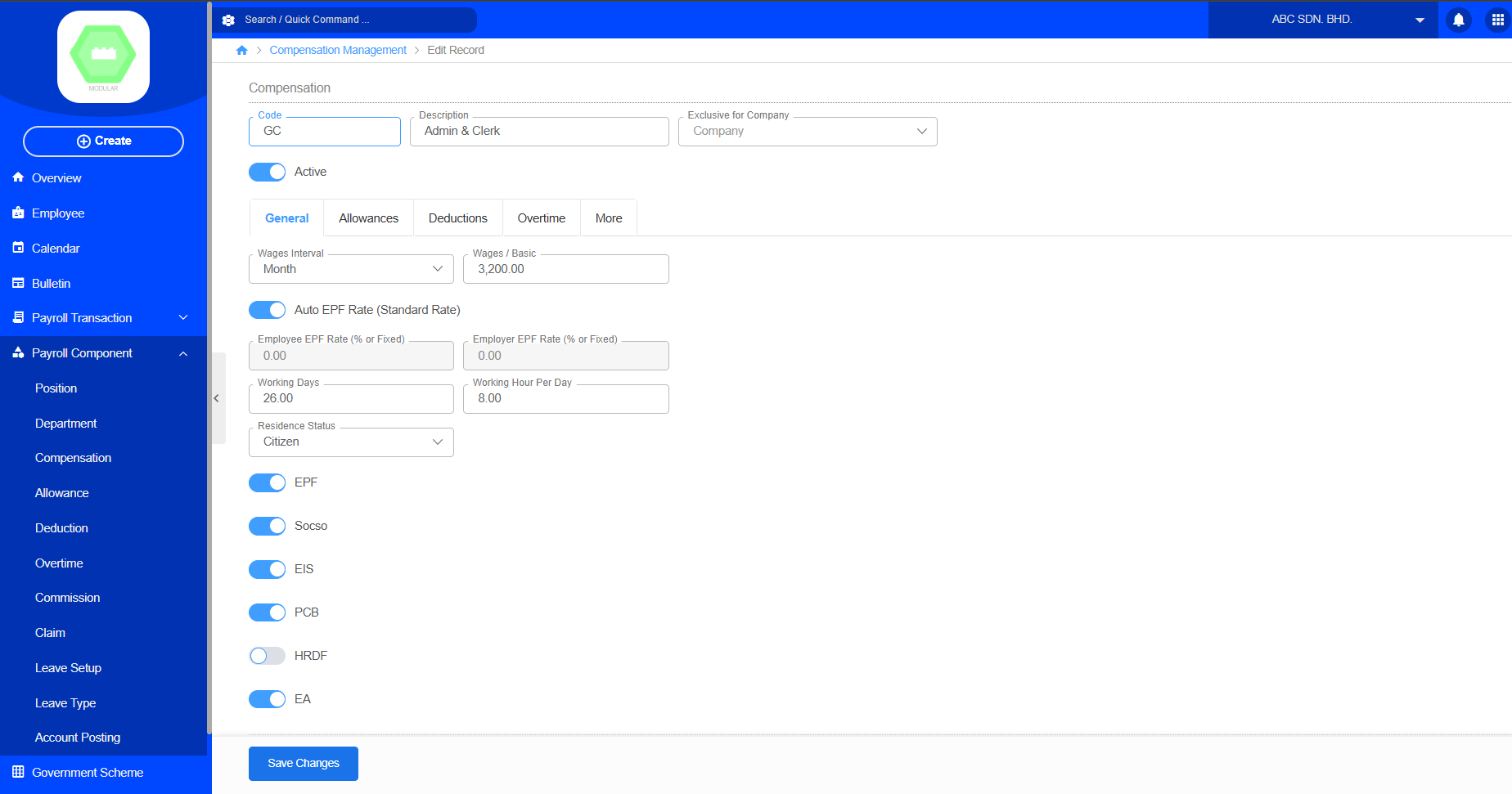
The Compensation module defines employee salary structures and recurring earnings. Create new compensation by code, description, exclusive for company, contributions, general information, allowances, deductions, overtime, and more contributions. Users can define salary information, statutory contribution settings, allowances, deductions, and overtime rules. The created compensation can then be assigned to employees and used during payroll processing.
Create New Compensation:
4. Allowance
Purpose
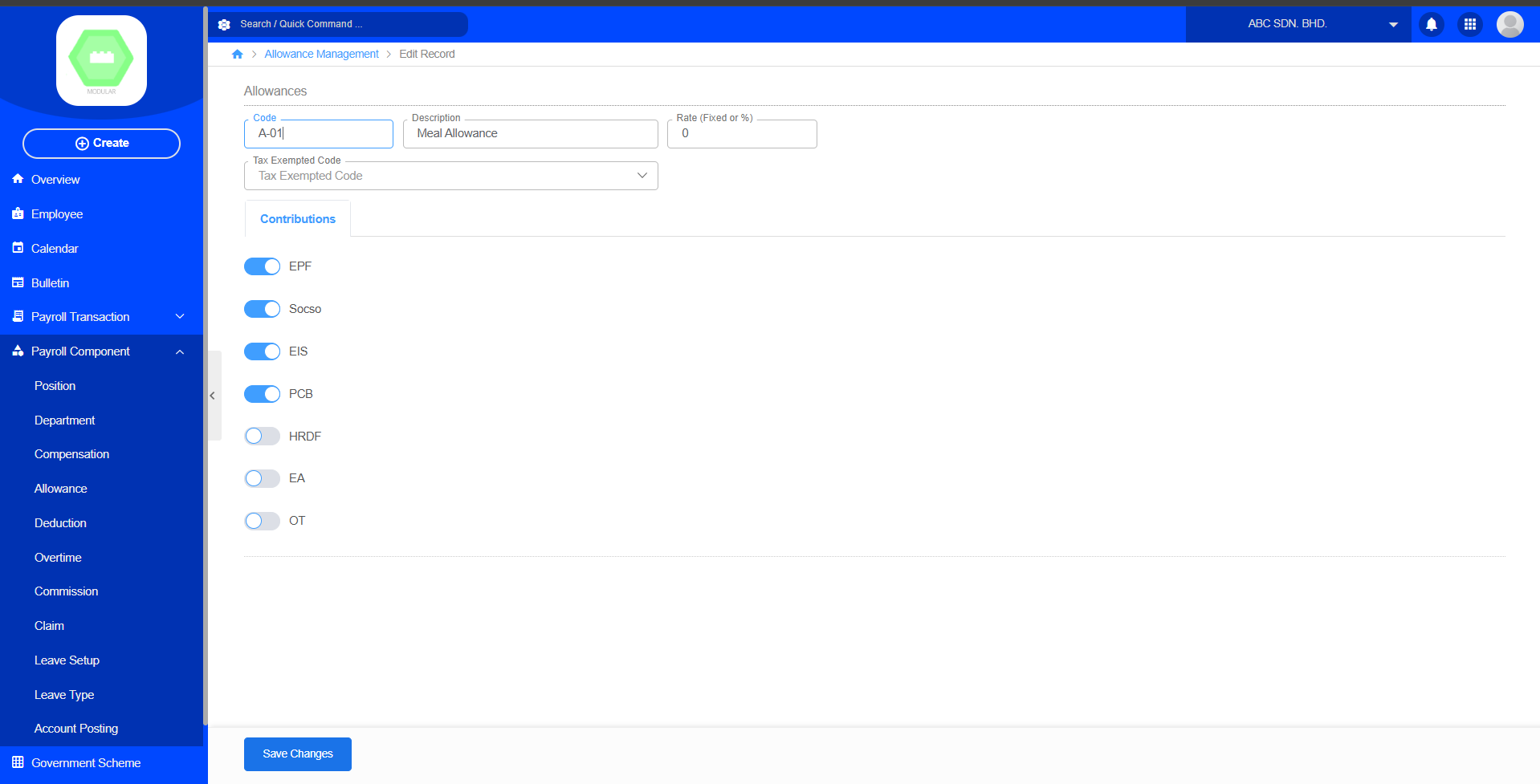
The Allowance module manages additional payments provided to employees beyond their basic salary. Create new allowance by code, description, rate, tax exempted code and contributions. Allowances are additional payments provided to employees on top of their basic salary, such as meal allowance, transport allowance, housing allowance, or other benefits. The created allowance can be assigned to employees and included during payroll processing to calculate the employee's total compensation.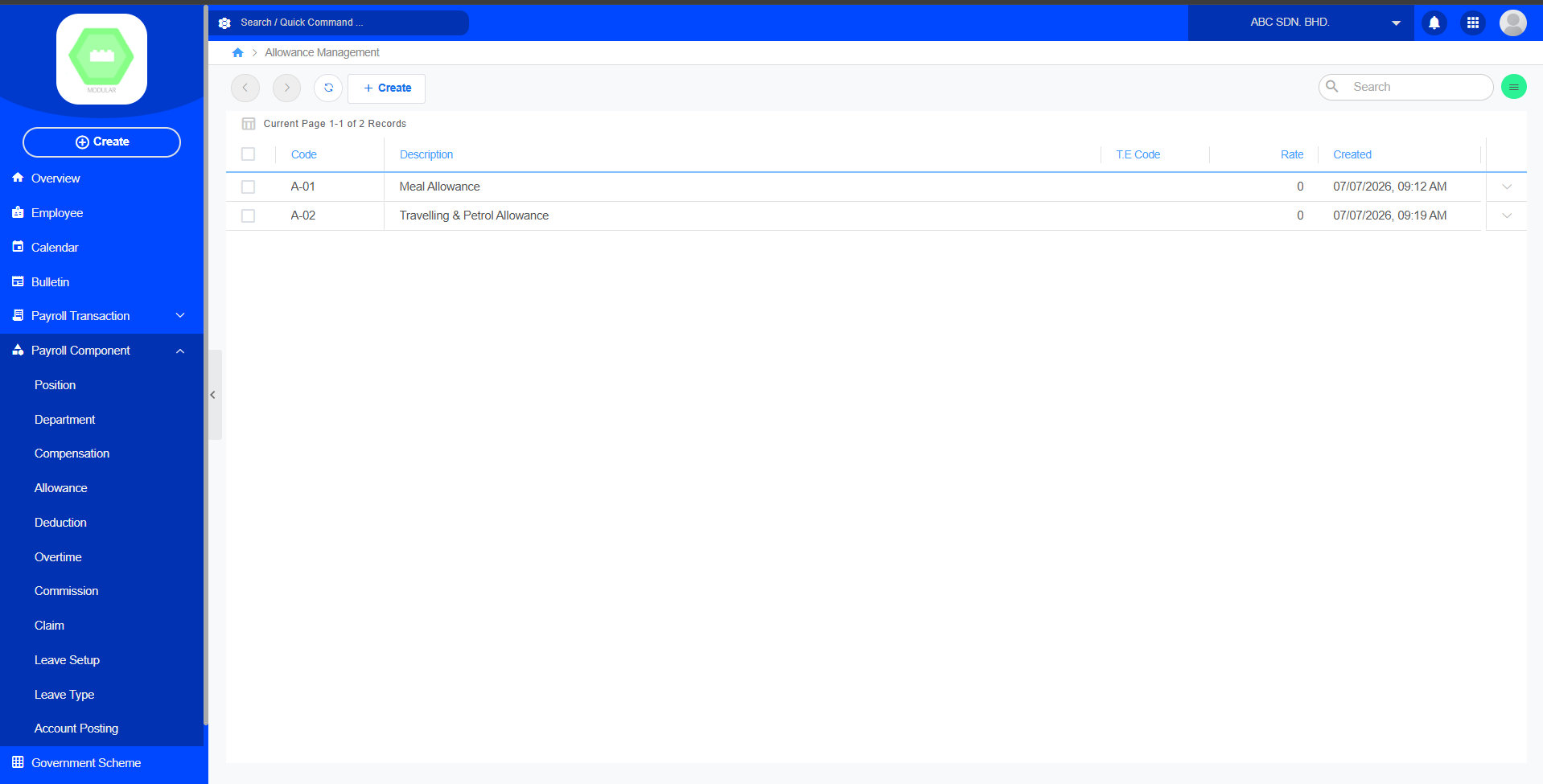
Create New Allowance:
5. Deduction
Purpose
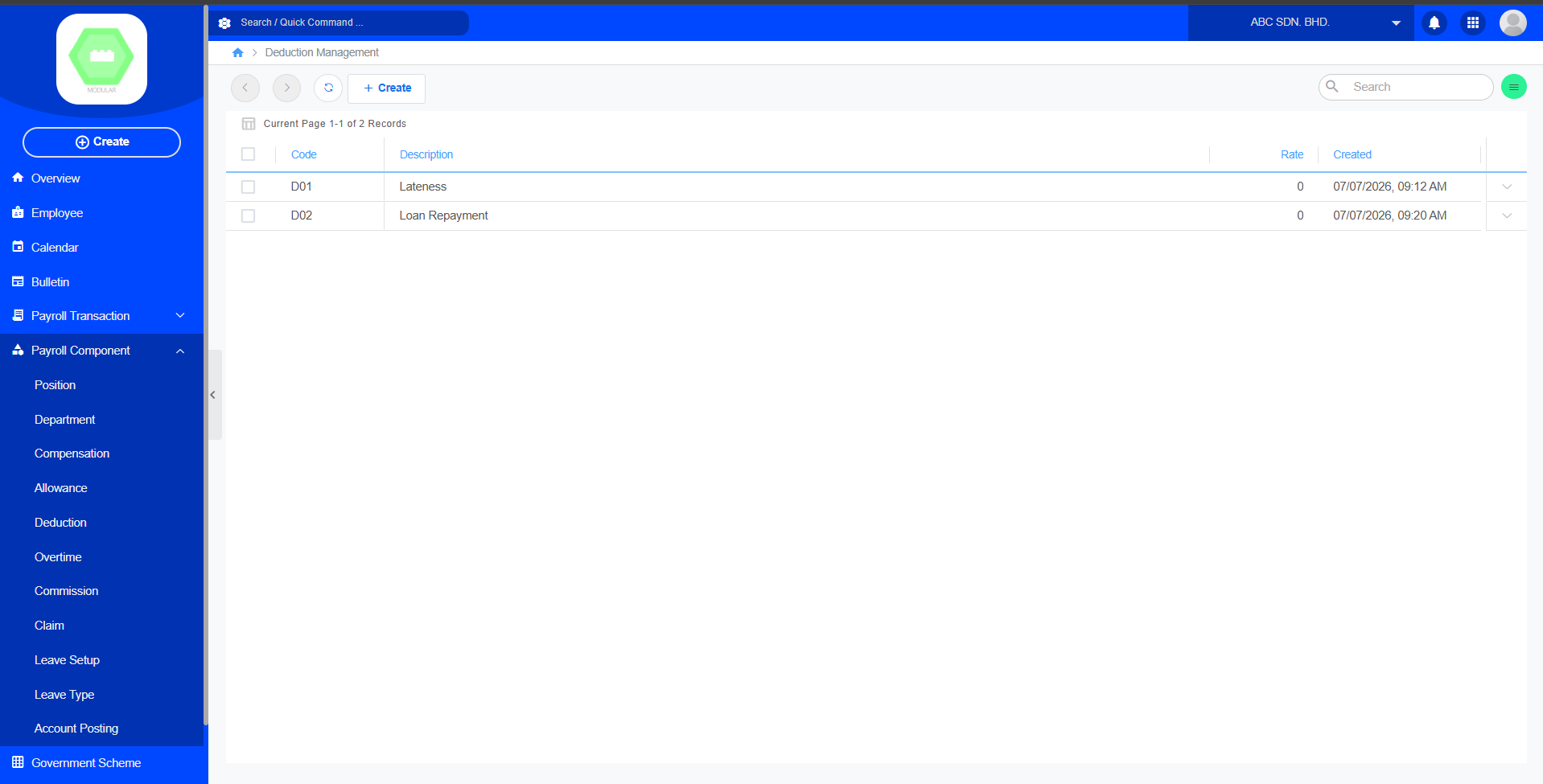
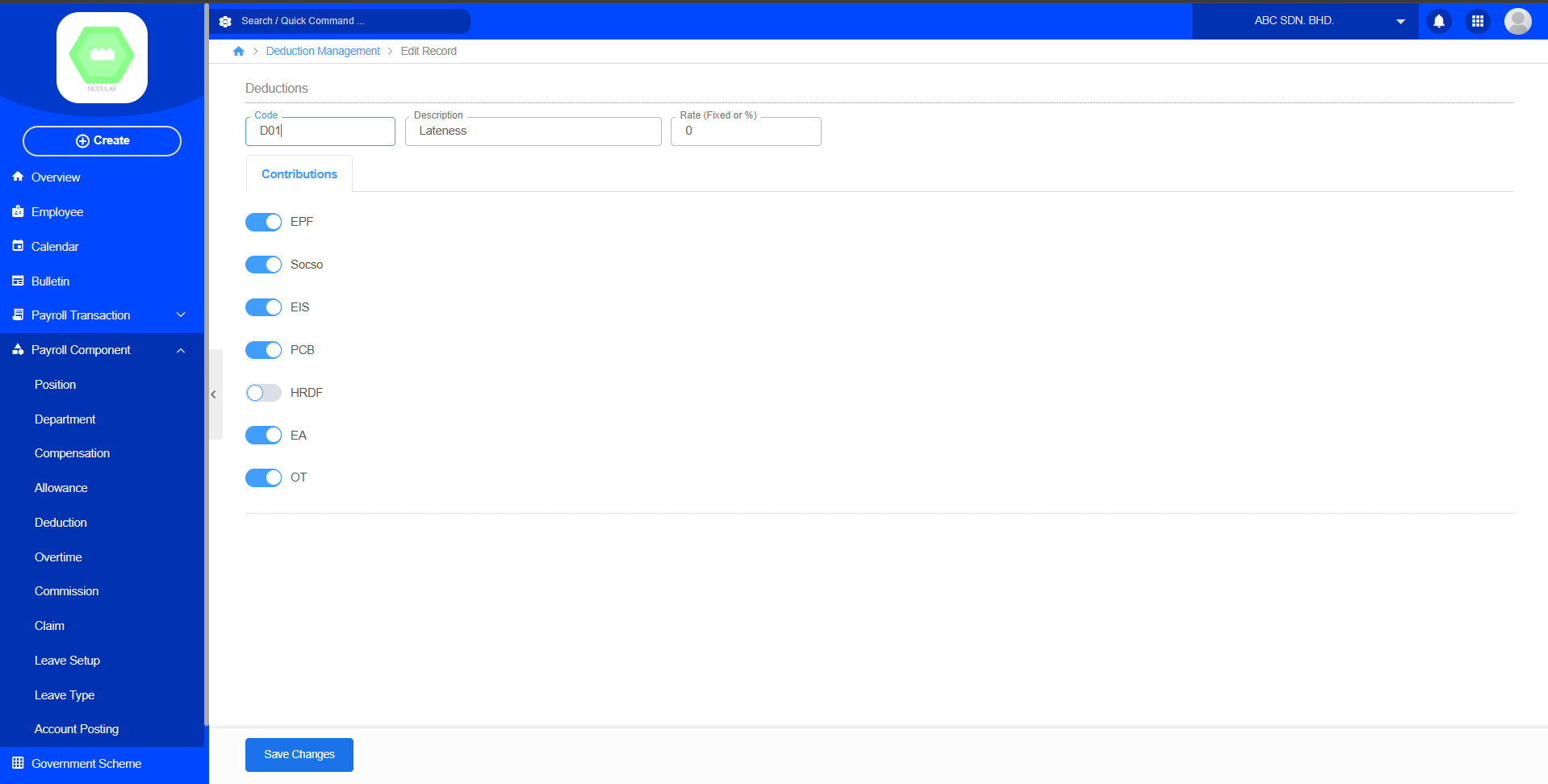
The Deduction module manages salary deductions applied during payroll calculation. Create new deduction by code, description, rate and contributions. Deduction items are amounts deducted from an employee's salary during payroll processing, such as statutory contributions, loan repayments, or other employee-related deductions.
Create New Deduction:
6. Overtime
Purpose
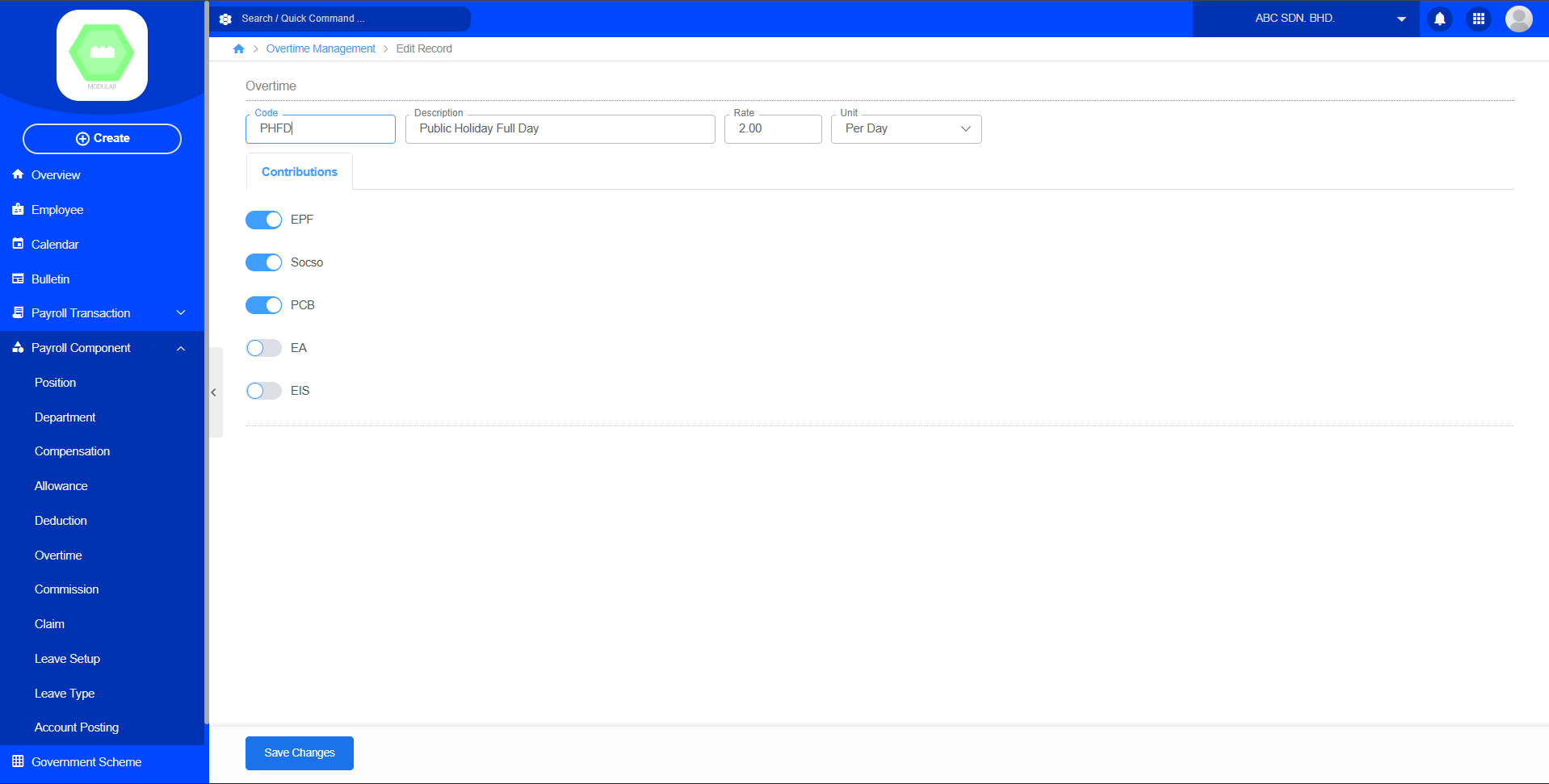
The Overtime module manages overtime payment settings for employees. Create new overtime by code, description, rate, unit and contributions. Each overtime record defines the overtime code, description, calculation rate, unit, and statutory contribution settings. Overtime setup is required before processing overtime payments during payroll calculation.
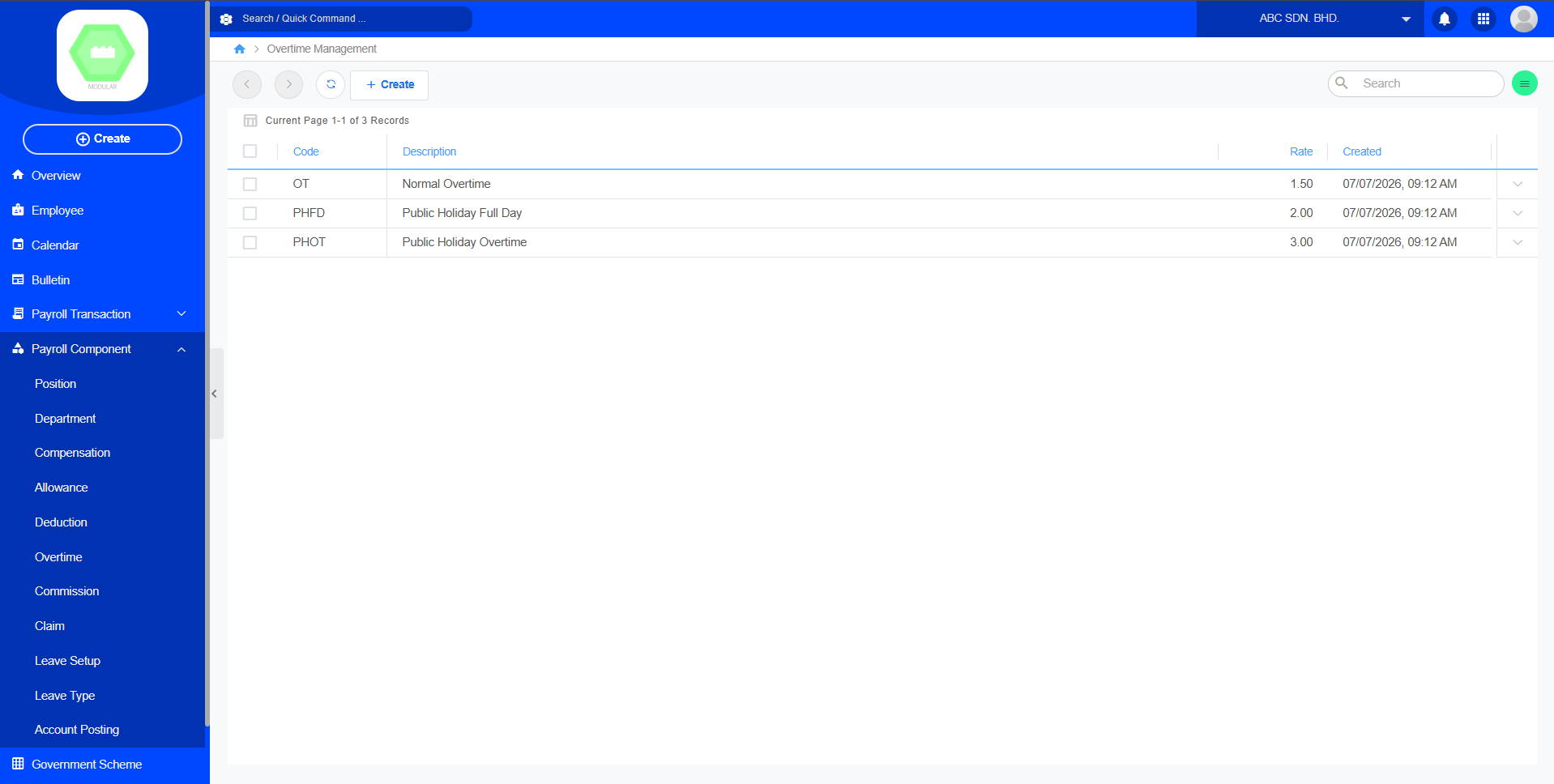
Create New Overtime:
7. Commission
Purpose
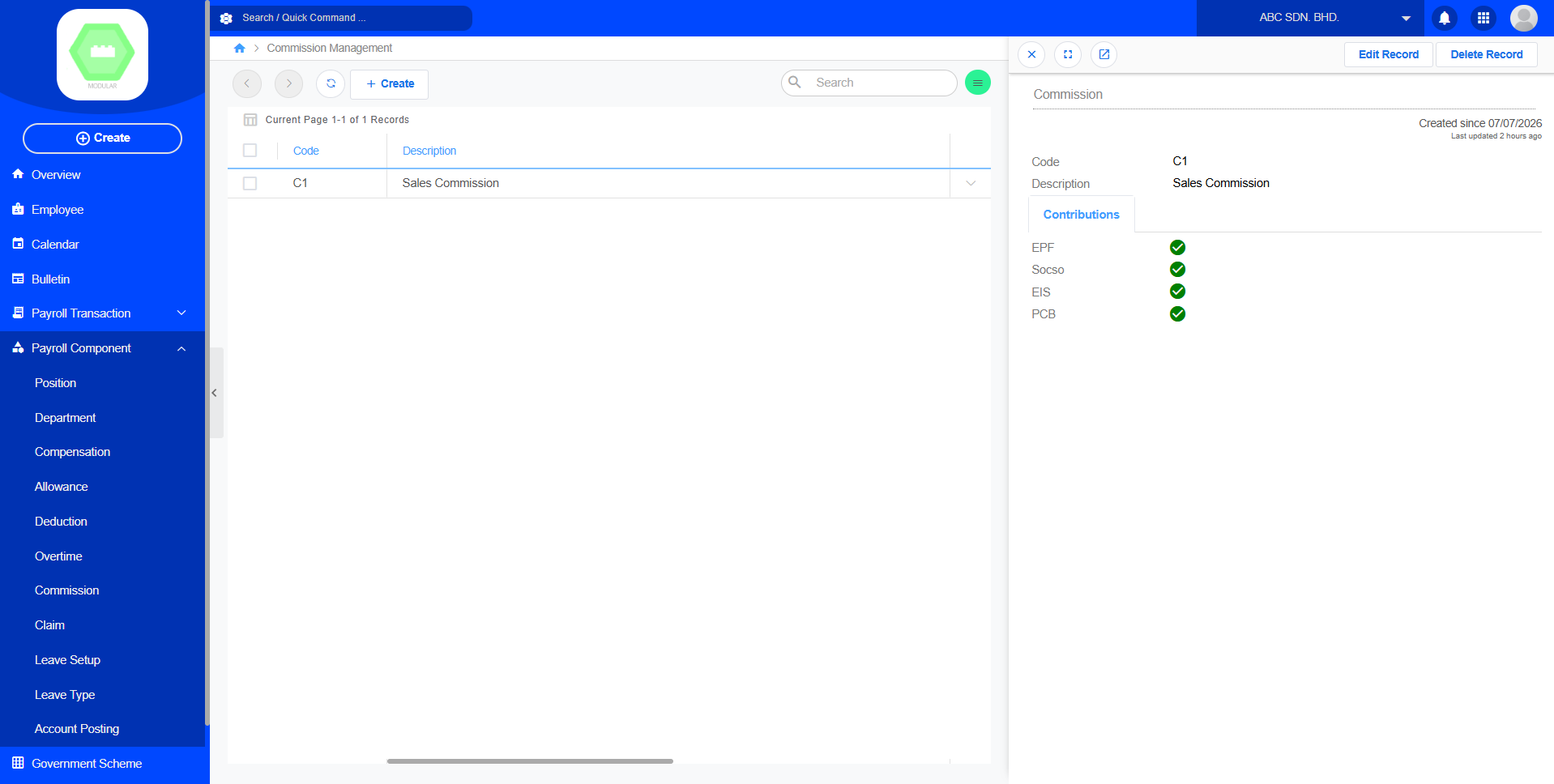
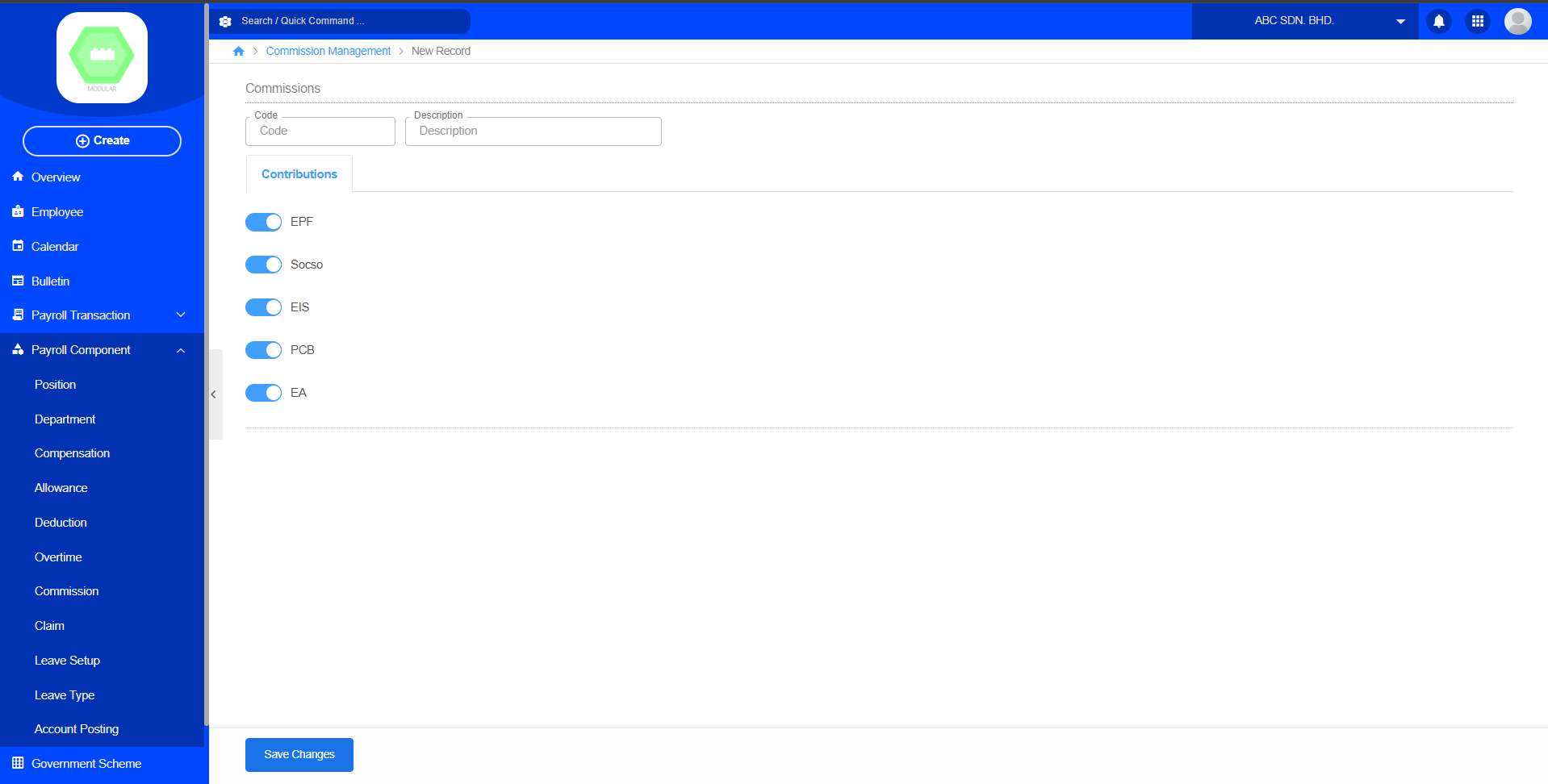
The Commission module manages commission-based earnings for eligible employees.Create new commission by code, description and contributions. It allows the company to define commission types and determine whether statutory contributions such as EPF, SOCSO, EIS, PCB, and EA should be applied during payroll processing. Commission records created here can later be assigned to employees and included in the payroll calculation process.
Create New Commision:
8. Claim
Purpose
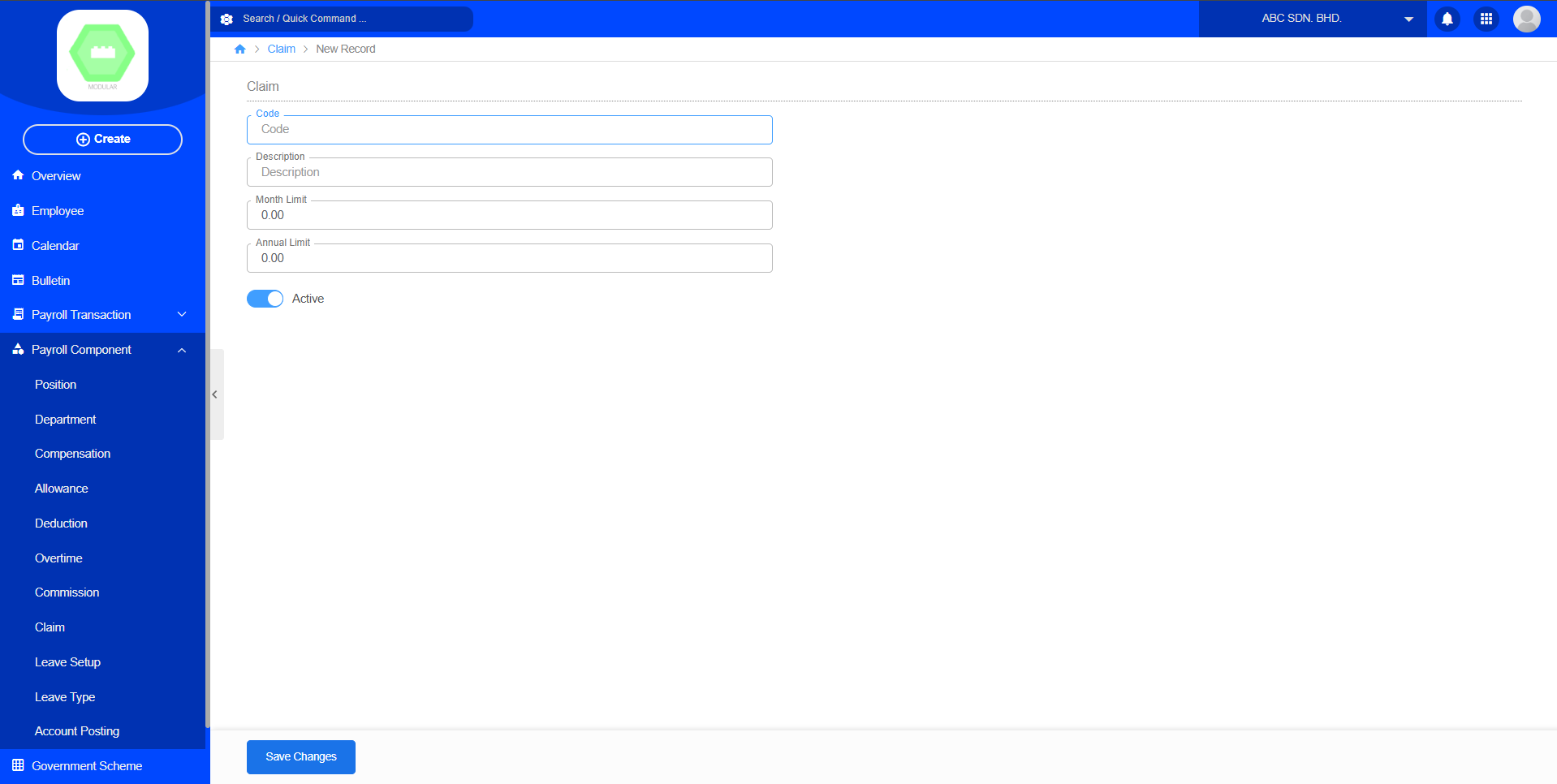
The Claim module manages employee reimbursement categories used in the Claim Approval process. Create new claim by code, description, month limit, annual limit and active. It allows the company to set claim categories and control the maximum claim amount that employees can submit within a month or year.
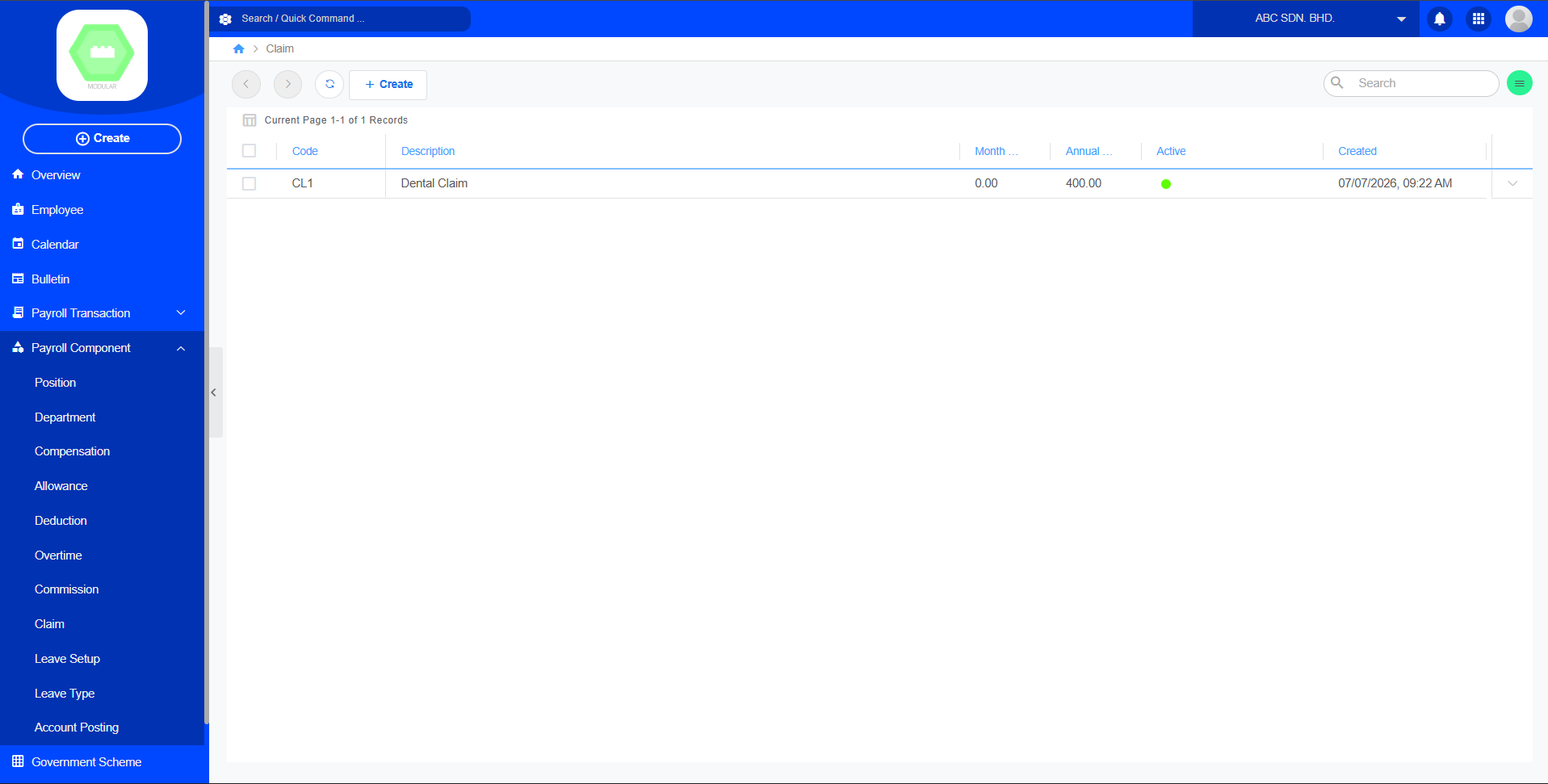
Create New Claim:
9. Leave Setup
Purpose
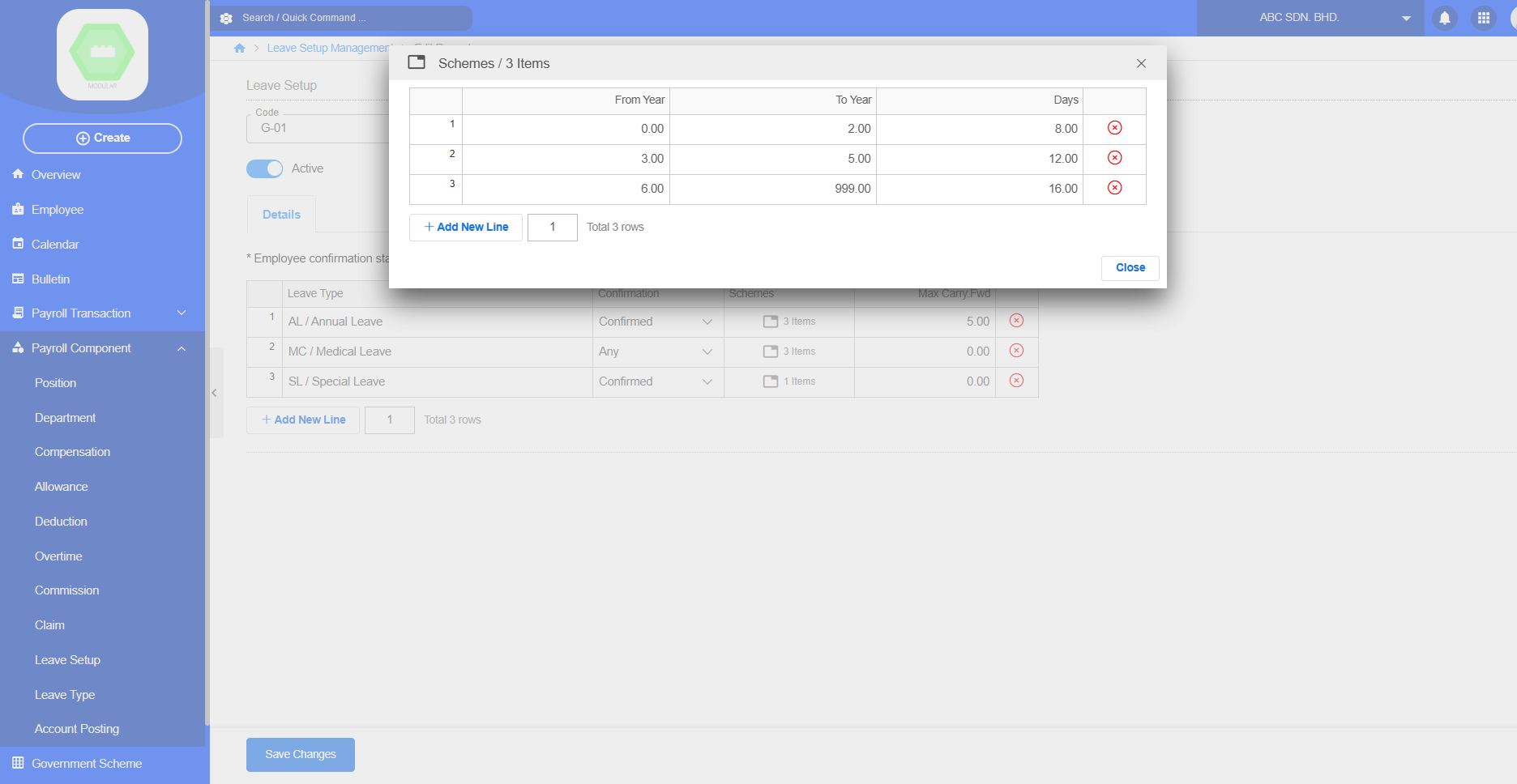
The Leave Setup module configures company leave policies and entitlement rules. Create new leave setup by code, description, active and select details leave type. It defines which Leave Types are available, employee confirmation requirements, entitlement schemes, and maximum carry-forward days. This setup allows the payroll system to automatically calculate employee leave entitlement based on company policies.
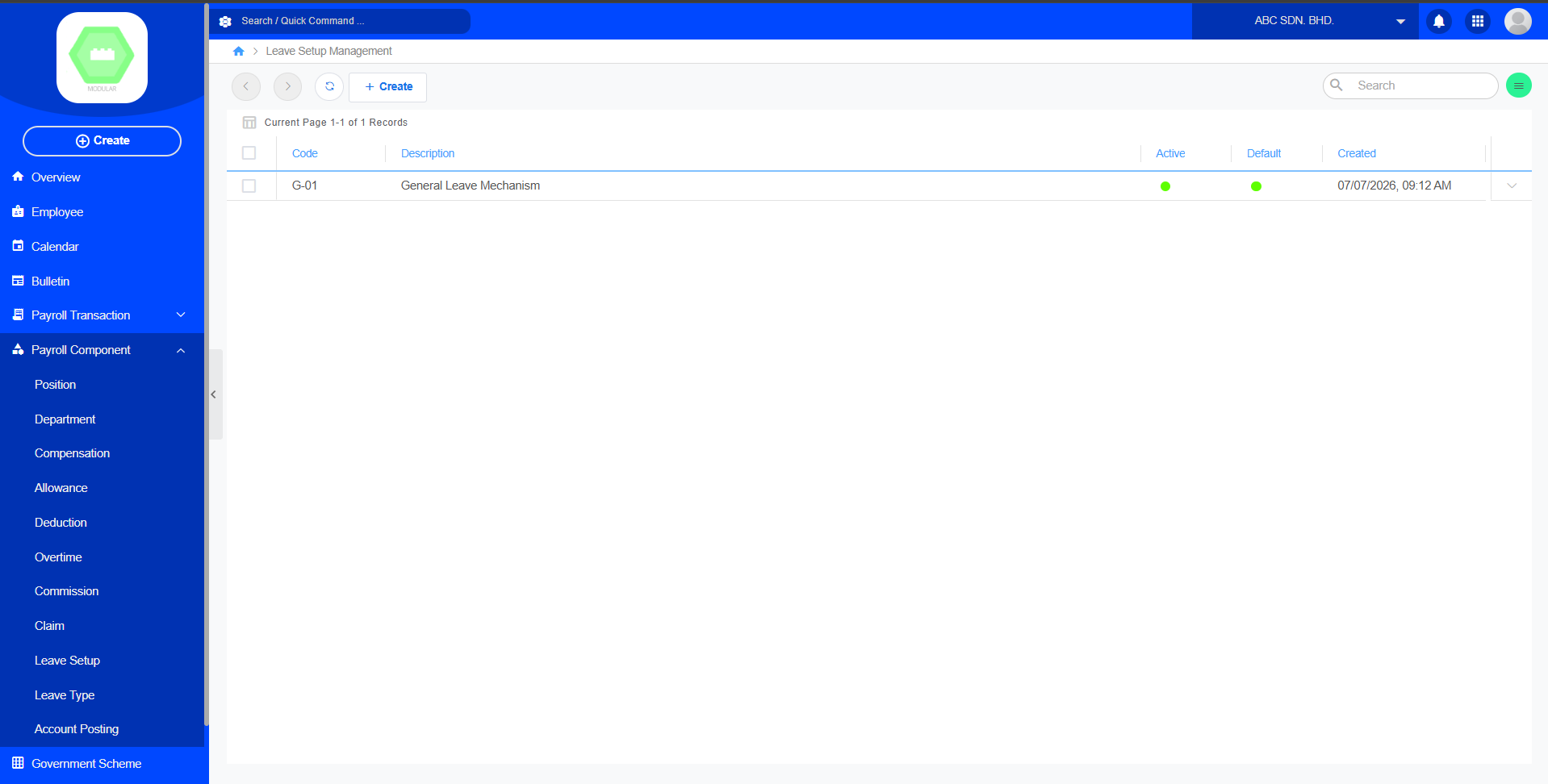
Create New Leave Setup:
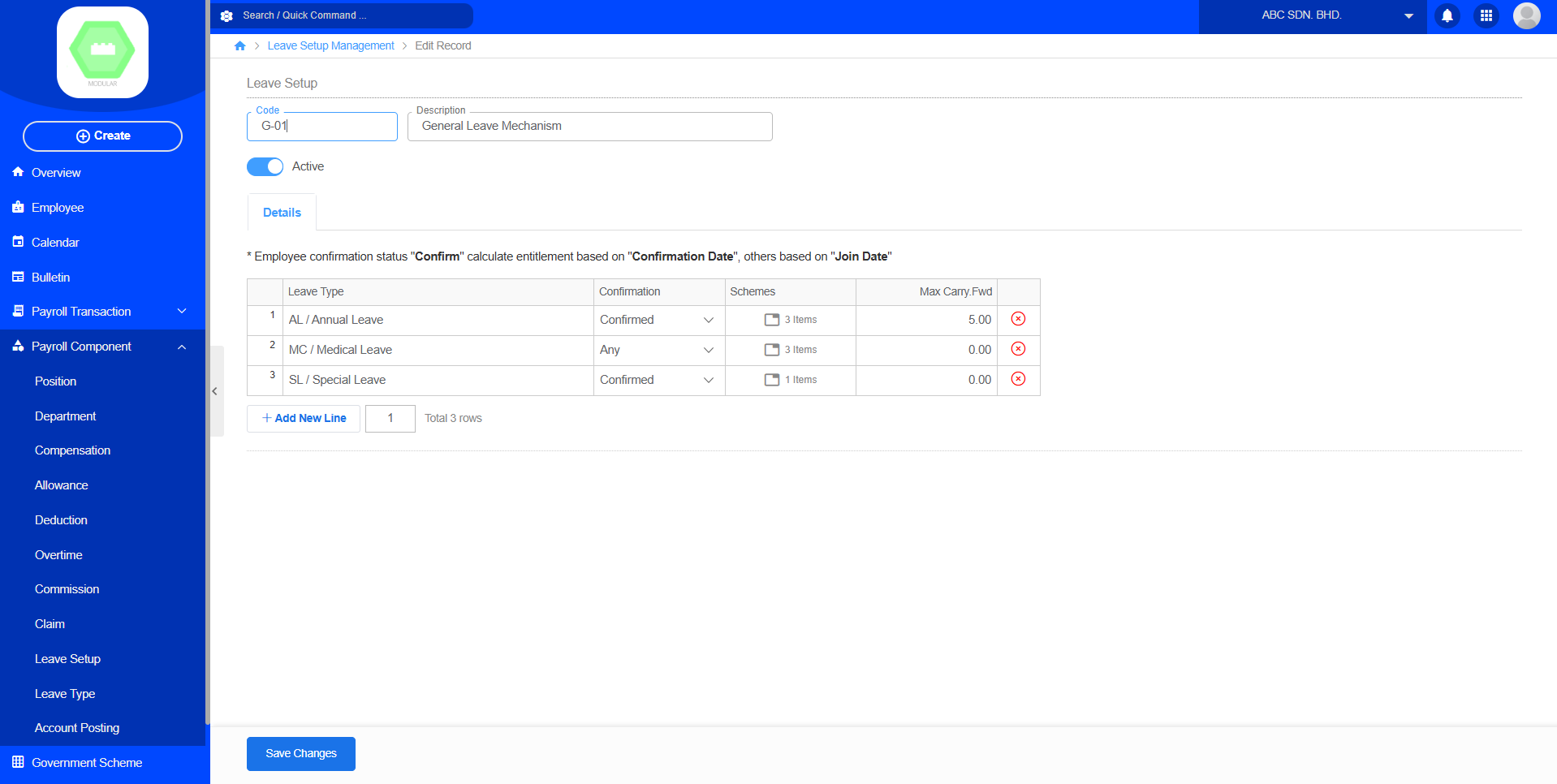
allows administrators to combine different Leave Types with entitlement schemes based on employee confirmation status and years of service.
10. Leave Type
Purpose
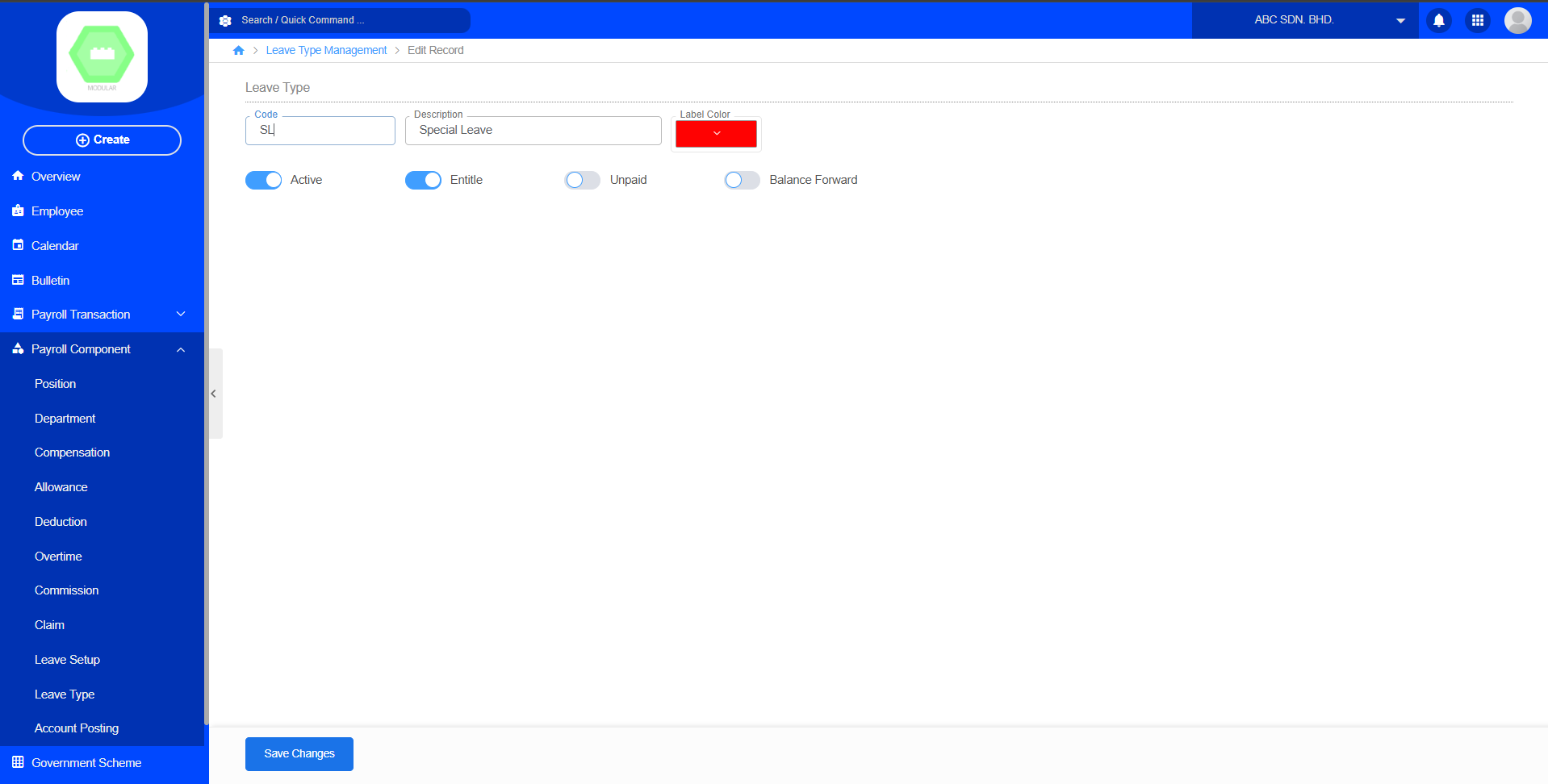
The Leave Type module defines the different categories of leave available to employees. Create new leave type by code, description, label color, select active, entitle, unpaid, balance forward. HR administrators can configure leave rules such as entitlement, unpaid status, and balance carry forward settings. This setup allows the system to automatically manage employee leave balances and leave applications.
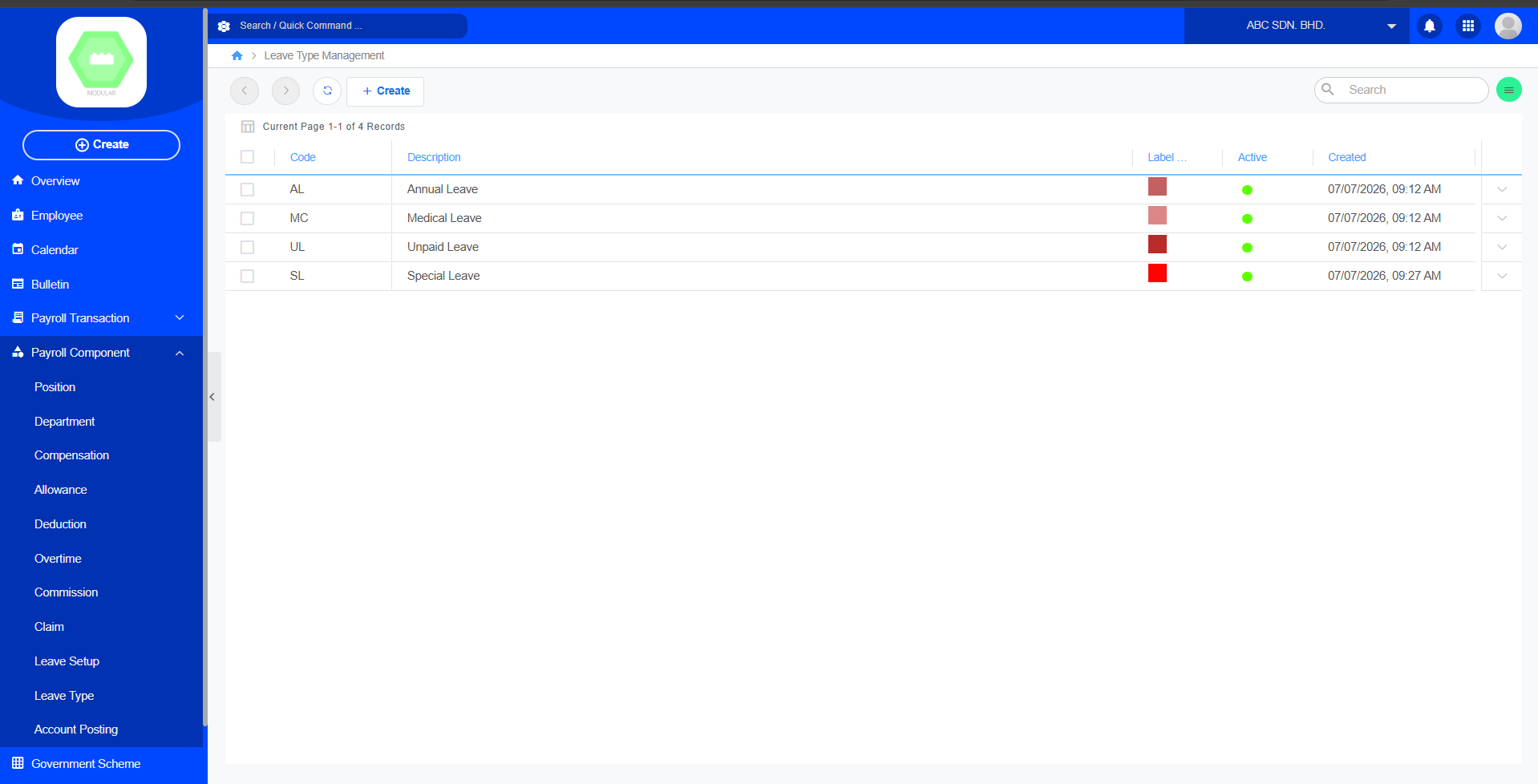
Create New Leave Type: