# Sales

# Sales Overview

## Overview

The **Sales Dashboard** provides a real-time overview of sales performance, outstanding transactions, customer activities, and product trends. It helps users monitor business performance through summary cards, charts, and detailed record lists.
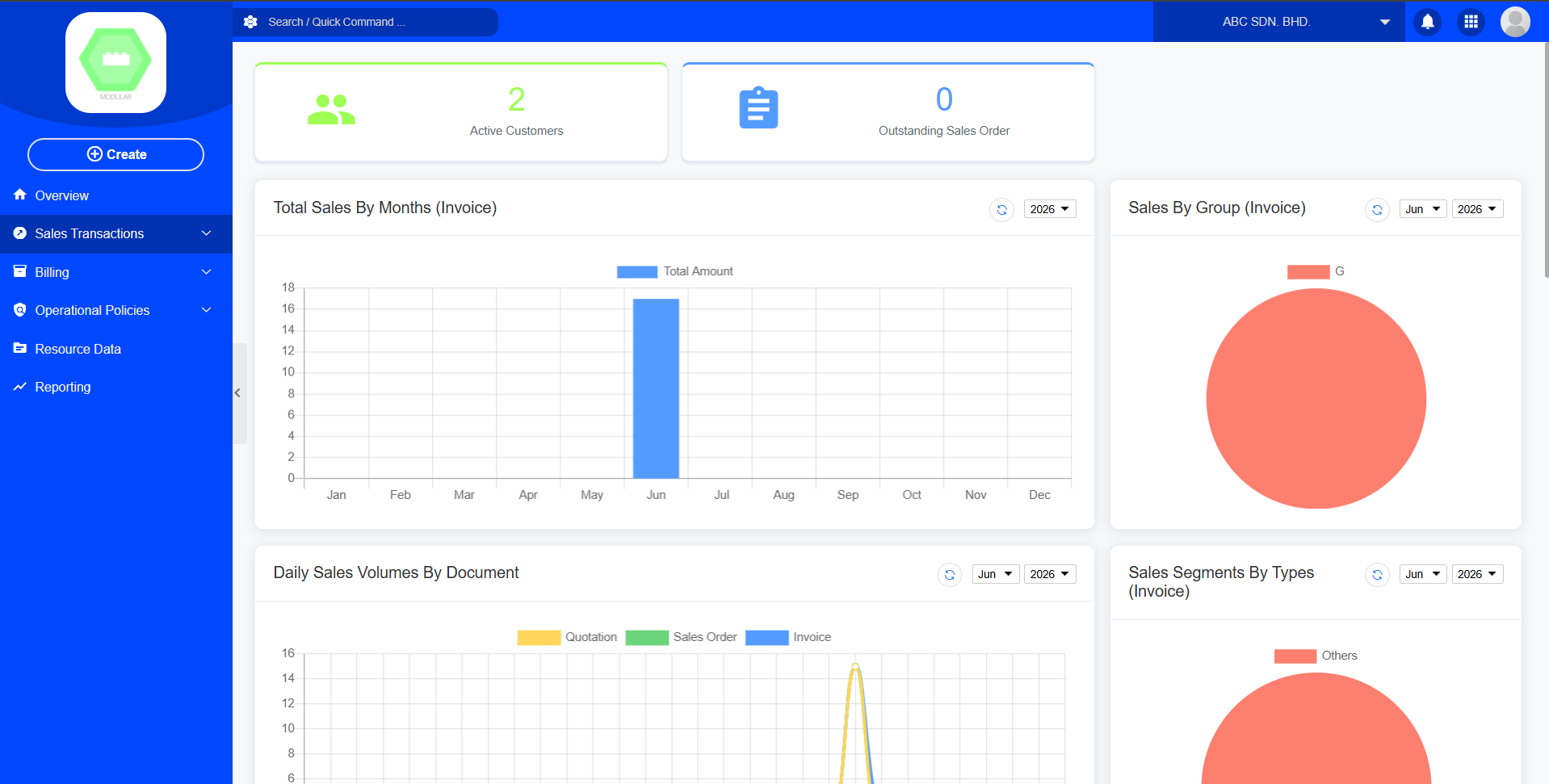
![Sales.png](https://documentation.xccel.my/uploads/images/gallery/2026-06/scaled-1680-/sales.png)

---

# Dashboard Layout

## 1. Active Customers

**Type**

- KPI Card

**Description**  
Displays the total number of active customers currently available in the system.

[![Screenshot 2026-06-29 105411.png](https://documentation.xccel.my/uploads/images/gallery/2026-06/scaled-1680-/screenshot-2026-06-29-105411.png)](https://documentation.xccel.my/uploads/images/gallery/2026-06/screenshot-2026-06-29-105411.png)
**Purpose**  
Allows users to quickly understand the size of the active customer base.

---

## 2. Outstanding Sales Order

**Type**

- KPI Card

**Description**  
Displays the total number of Sales Orders that have not yet been completed.

[![image.png](https://documentation.xccel.my/uploads/images/gallery/2026-06/scaled-1680-/image.png)](https://documentation.xccel.my/uploads/images/gallery/2026-06/image.png)
**Purpose**  
Monitor pending customer orders.

---

## 3. Total Sales By Months (Invoice)

**Chart Type**

- Bar Chart

**Filter**

- Year

**Display**

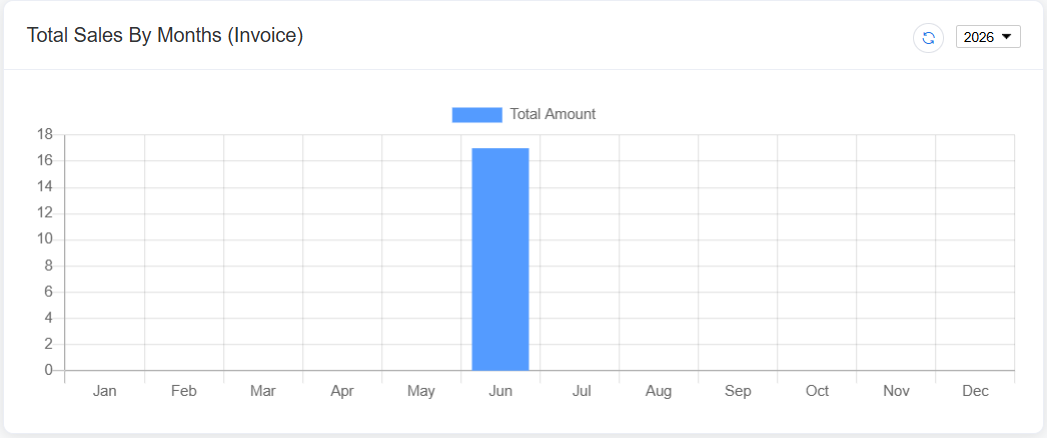
- Monthly total invoice amount

[![image.png](https://documentation.xccel.my/uploads/images/gallery/2026-06/scaled-1680-/Solimage.png)](https://documentation.xccel.my/uploads/images/gallery/2026-06/Solimage.png)
**Purpose**

Monitor monthly sales trends.

---

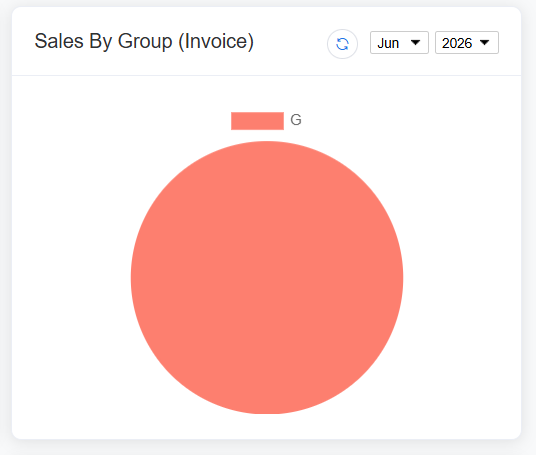
## 4. Sales By Group (Invoice)

**Chart Type**

- Pie Chart

**Filter**

- Month
- Year

**Display**

Sales distribution based on customer groups or predefined sales groups.

[![image.png](https://documentation.xccel.my/uploads/images/gallery/2026-06/scaled-1680-/9pqimage.png)](https://documentation.xccel.my/uploads/images/gallery/2026-06/9pqimage.png)
**Purpose**

Compare sales contribution among different groups.

---

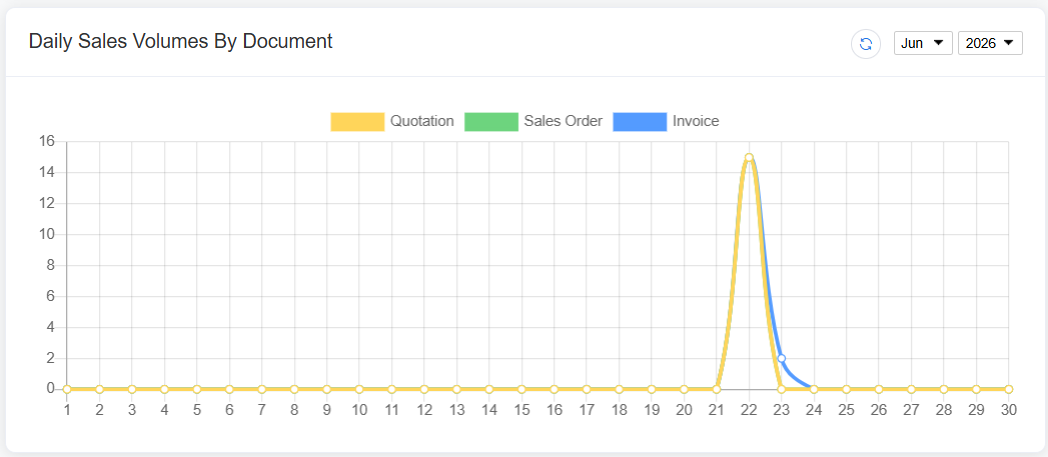
## 5. Daily Sales Volumes By Document

**Chart Type**

- Smooth Line Chart

**Filter**

- Month
- Year

**Display**

Three document types:

- Quotation
- Sales Order
- Invoice

Each line represents daily document volume.

[![image.png](https://documentation.xccel.my/uploads/images/gallery/2026-06/scaled-1680-/tXximage.png)](https://documentation.xccel.my/uploads/images/gallery/2026-06/tXximage.png)
**Purpose**

Monitor daily sales activities.

---

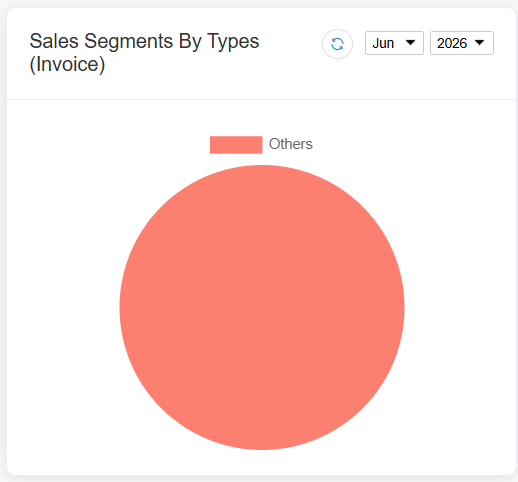
## 6. Sales Segments By Types (Invoice)

**Chart Type**

- Pie Chart

**Filter**

- Month
- Year

**Display**

Invoice sales distribution by sales type or business segment.

[![image.png](https://documentation.xccel.my/uploads/images/gallery/2026-06/scaled-1680-/GhMimage.png)](https://documentation.xccel.my/uploads/images/gallery/2026-06/GhMimage.png)
**Purpose**

Identify which sales segment contributes the most revenue.

---

# Record Lists

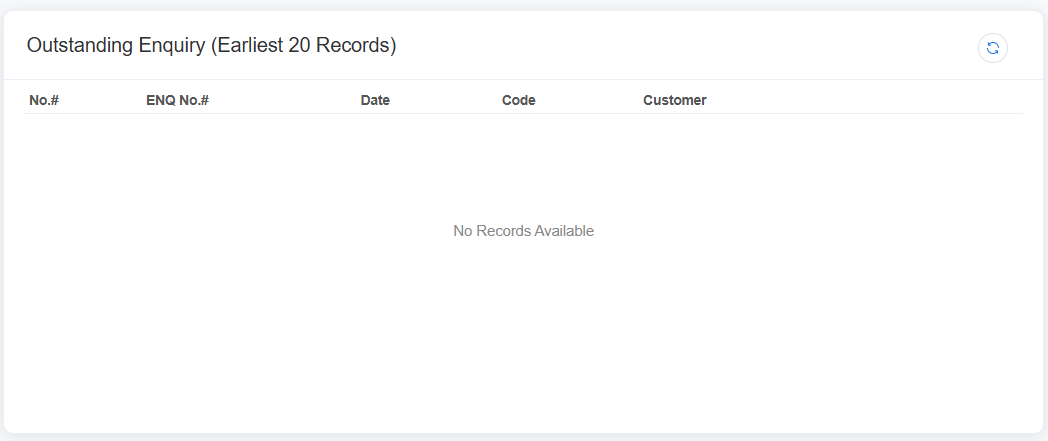
## 7. Outstanding Enquiry (Earliest 20 Records)

Displays the first 20 outstanding enquiries.

[![image.png](https://documentation.xccel.my/uploads/images/gallery/2026-06/scaled-1680-/TQpimage.png)](https://documentation.xccel.my/uploads/images/gallery/2026-06/TQpimage.png)
---

## 8. Enquiry By Types

**Chart Type**

- Chart

**Filter**

- Month
- Year

Displays enquiry statistics categorized by enquiry type.

---

## 9. Top 20 Contributors

Displays the top 20 customers with the highest sales amount.

<div class="TyagGW_tableContainer" id="bkmrk-column-no.-code-cust"><div class="group TyagGW_tableWrapper flex flex-col-reverse w-fit" tabindex="-1"><table class="w-fit min-w-(--thread-content-width)"><thead><tr><th class="last:pe-10">Column</th></tr></thead><tbody><tr><td>No.</td></tr><tr><td>Code</td></tr><tr><td>Customer</td></tr><tr><td>Agent</td></tr><tr><td>Amount</td></tr></tbody></table>

</div></div>**Filter**

- Month
- Year

Purpose

Identify major revenue contributors.

---

## 10. New Customer Within 7 Days

Displays customers created within the last seven days.

<div class="TyagGW_tableContainer" id="bkmrk-column-no.-code-cust-1"><div class="group TyagGW_tableWrapper flex flex-col-reverse w-fit" tabindex="-1"><table class="w-fit min-w-(--thread-content-width)"><thead><tr><th class="last:pe-10">Column</th></tr></thead><tbody><tr><td>No.</td></tr><tr><td>Code</td></tr><tr><td>Customer</td></tr><tr><td>Agent</td></tr><tr><td>Created Date</td></tr></tbody></table>

</div></div>Purpose

Track newly registered customers.

---

## 11. Top 20 Popular Item / Product

Displays the most frequently sold products.

<div class="TyagGW_tableContainer" id="bkmrk-column-no.-code-prod"><div class="group TyagGW_tableWrapper flex flex-col-reverse w-fit" tabindex="-1"><table class="w-fit min-w-(--thread-content-width)"><thead><tr><th class="last:pe-10">Column</th></tr></thead><tbody><tr><td>No.</td></tr><tr><td>Code</td></tr><tr><td>Product</td></tr><tr><td>Quantity Sold</td></tr><tr><td>Sales Amount</td></tr></tbody></table>

</div></div>Purpose

Identify best-selling products.

---

## 12. Outstanding Quotation (Earliest 20 Records)

Displays the earliest 20 quotations that are still pending.

<div class="TyagGW_tableContainer" id="bkmrk-column-no.-doc-no.-d"><div class="group TyagGW_tableWrapper flex flex-col-reverse w-fit" tabindex="-1"><table class="w-fit min-w-(--thread-content-width)"><thead><tr><th class="last:pe-10">Column</th></tr></thead><tbody><tr><td>No.</td></tr><tr><td>Doc No.</td></tr><tr><td>Date</td></tr><tr><td>Code</td></tr><tr><td>Customer</td></tr></tbody></table>

</div></div>---

## 13. Outstanding Sales Order (Earliest 20 Records)

Displays the earliest 20 Sales Orders that have not yet been completed.

<div class="TyagGW_tableContainer" id="bkmrk-column-no.-doc-no.-d-1"><div class="group TyagGW_tableWrapper flex flex-col-reverse w-fit" tabindex="-1"><table class="w-fit min-w-(--thread-content-width)"><thead><tr><th class="last:pe-10">Column</th></tr></thead><tbody><tr><td>No.</td></tr><tr><td>Doc No.</td></tr><tr><td>Date</td></tr><tr><td>Code</td></tr><tr><td>Customer</td></tr></tbody></table>

</div></div>---

## 14. Outstanding Draft Quotation (Earliest 20 Records)

Displays quotations saved as Draft.

<div class="TyagGW_tableContainer" id="bkmrk-column-no.-doc-no.-d-2"><div class="group TyagGW_tableWrapper flex flex-col-reverse w-fit" tabindex="-1"><table class="w-fit min-w-(--thread-content-width)"><thead><tr><th class="last:pe-10">Column</th></tr></thead><tbody><tr><td>No.</td></tr><tr><td>Doc No.</td></tr><tr><td>Date</td></tr><tr><td>Company Name</td></tr></tbody></table>

</div></div>---

## 15. Outstanding Delivery Order (Earliest 20 Records)

Displays delivery orders that are still pending.

<div class="TyagGW_tableContainer" id="bkmrk-column-no.-doc-no.-d-3"><div class="group TyagGW_tableWrapper flex flex-col-reverse w-fit" tabindex="-1"><table class="w-fit min-w-(--thread-content-width)"><thead><tr><th class="last:pe-10">Column</th></tr></thead><tbody><tr><td>No.</td></tr><tr><td>Doc No.</td></tr><tr><td>Date</td></tr><tr><td>Code</td></tr><tr><td>Customer</td></tr></tbody></table>

</div></div>

# Sales Transactions

## Sales Enquiry

### Purpose

Record and manage customer enquiries before quotation stage.

---

### Function

- Create new enquiry
- View existing enquiry
- Store enquiry details
- Add internal memo
- Convert to quotation

---

### Sections

#### Customer Information

Select or link customer data.

#### Enquiry Details

Enter customer requirements such as product, quantity, and specifications.

#### Memo

Internal notes for sales follow-up.

[![image.png](https://documentation.xccel.my/uploads/images/gallery/2026-06/scaled-1680-/gx7image.png)](https://documentation.xccel.my/uploads/images/gallery/2026-06/gx7image.png)

[![Screenshot 2026-06-29 135430.png](https://documentation.xccel.my/uploads/images/gallery/2026-06/scaled-1680-/screenshot-2026-06-29-135430.png)](https://documentation.xccel.my/uploads/images/gallery/2026-06/screenshot-2026-06-29-135430.png)

## Sales Draft Quotation

# Sales Billing


# Operational Policies


# Sales Transactions

# Setup Enquiry


# Setup Draft Quotation


# Setup Quotation


# Setup Sales Order


# Setup Cancel Order

# Billing

# Setup Proforma Invoice


# Setup Invoice


# Setup Debit Note


# Setup Cash sales


# Setup Sales Return

# Operational Policies

# Setup Sales Approval


# Setup Stock/Item Exclusion


# Setup Tax Exemption