Inventory Overview
Purpose
The Inventory Overview dashboard provides a real-time summary of inventory status, stock value, inventory movements, and shipment activities. It helps users monitor stock levels, inventory performance, and outstanding warehouse operations.
Dashboard Components
1. Active Item Code
Type
- KPI Card
Description
Displays the total number of active item codes currently available in the inventory system.
Purpose
Monitor the number of active products managed by the system.

2. Active Stock Group
Type
- KPI Card
Description
Displays the total number of active stock groups.
Purpose
Provide an overview of product categories used in inventory management.

3. Current Stock Value
Type
- KPI Card
Description
Displays the current total inventory value based on available stock.
Purpose
Monitor the current financial value of inventory.

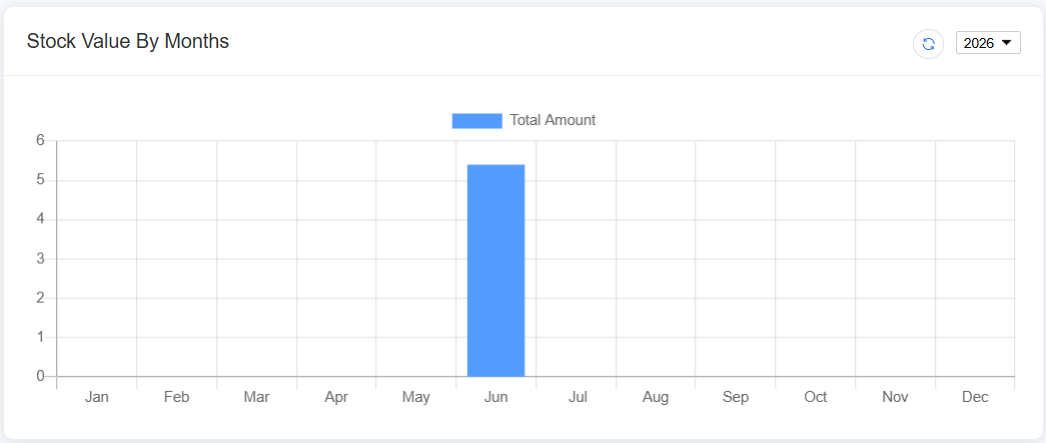
4. Stock Value by Months
Chart Type
- Bar Chart
Display
Monthly stock value.
Purpose
Compare inventory value across different months.
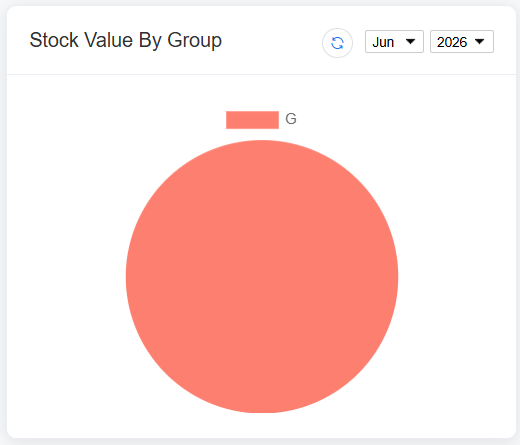
5. Stock Value by Group
Chart Type
- Pie Chart
Display
Inventory value distribution by stock group.
Purpose
Identify which stock groups contribute the highest inventory value.
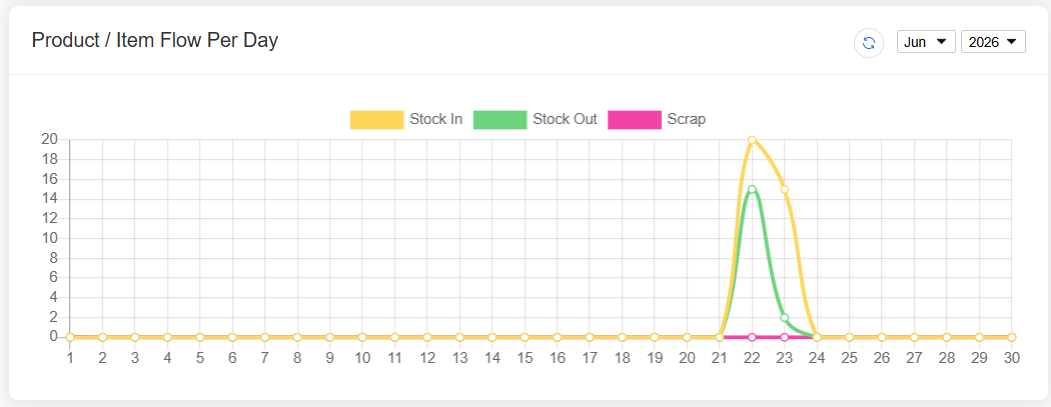
6. Product / Item Flow per Day
Chart Type
- Smooth Line Chart
Display
Daily inventory movement, including:
- Stock In
- Stock Out
- Scrap
Purpose
Monitor daily inventory movement and warehouse activities.
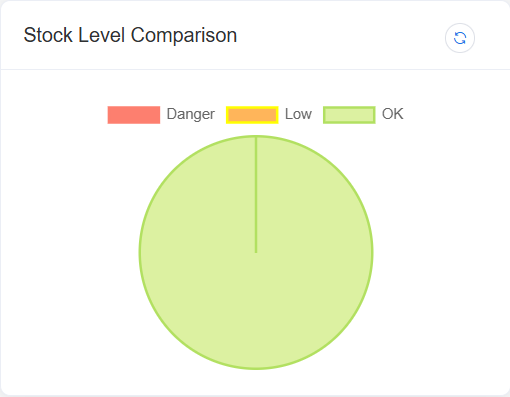
7. Stock Level Comparison
Chart Type
- Pie Chart
Display
Comparison of inventory based on stock levels.
Purpose
Quickly identify products that require replenishment or stock adjustment.
Shipment Status
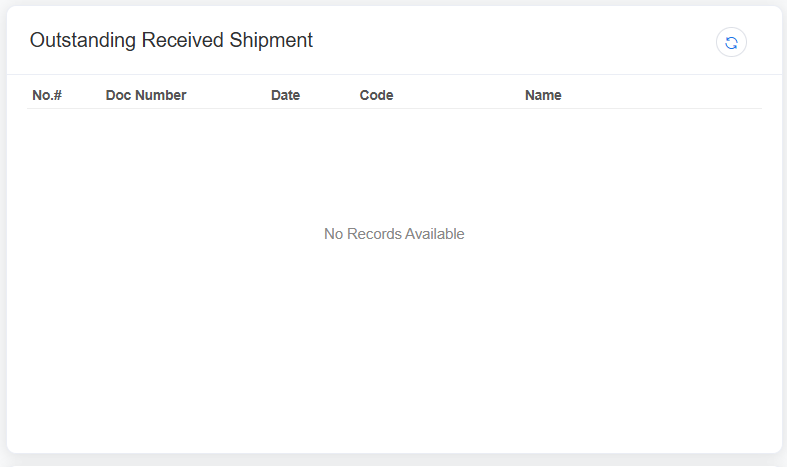
8. Outstanding Received Shipment
Type
- Information Card / KPI
Description
Displays the total number of incoming shipments that have not yet been received into inventory.
Purpose
Monitor pending supplier deliveries.
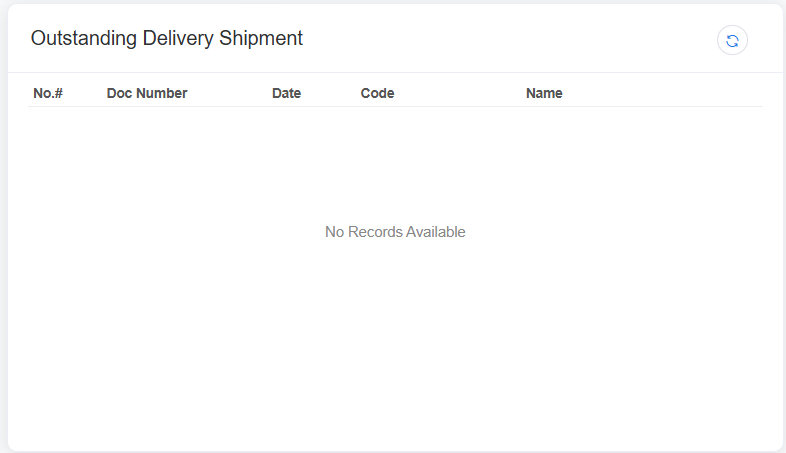
9. Outstanding Delivery Shipment
Type
- Information Card / KPI
Description
Displays the total number of outgoing shipments that have not yet been delivered.
Purpose
Track pending customer deliveries.
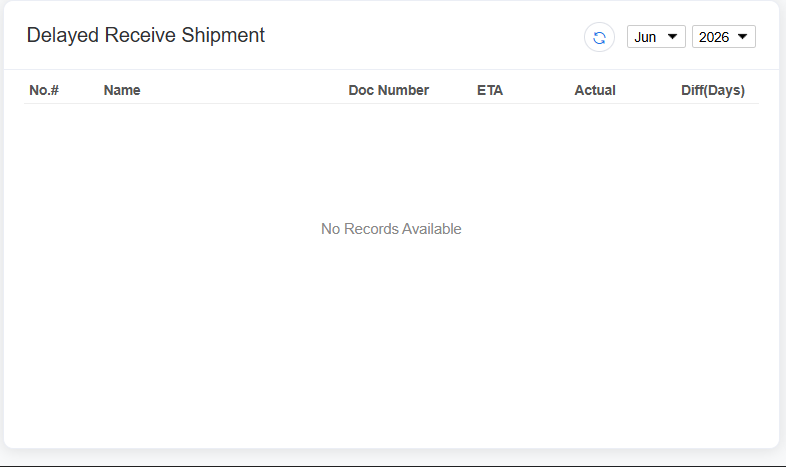
10. Delayed Received Shipment
Type
- Information Card / KPI
Description
Displays incoming shipments that are overdue based on the expected receiving date.
Purpose
Identify supplier delivery delays.
11. Delayed Outgoing Shipment
Type
- Information Card / KPI
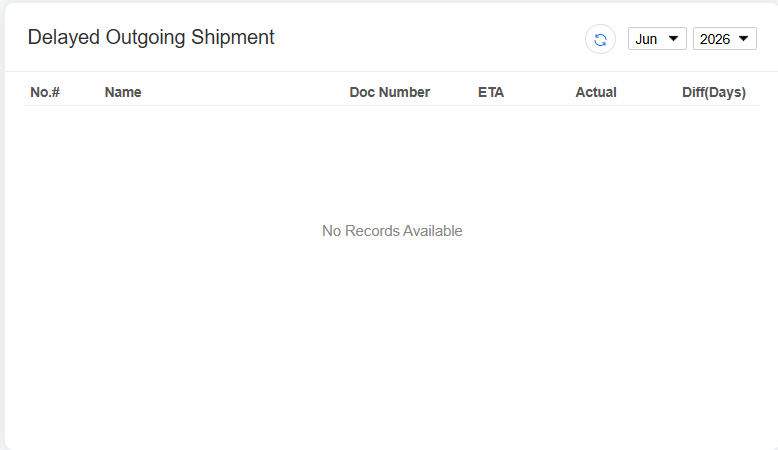
Description
Displays outgoing shipments that have exceeded the scheduled delivery date.
Purpose
Monitor delayed customer deliveries and improve fulfillment performance.