Purchase Overview
Purpose
The Purchase Overview dashboard provides a real-time summary of procurement activities, supplier information, purchasing trends, and outstanding purchasing documents. It enables users to monitor purchasing performance and manage pending procurement processes efficiently.
Dashboard Components
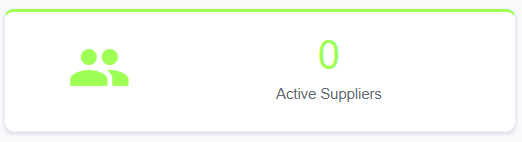
1. Active Suppliers
Type
- KPI Card
Description
Displays the total number of active suppliers registered in the system.
Purpose
Provide an overview of available suppliers for procurement activities.
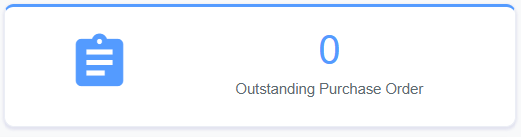
2. Outstanding Purchase Order
Type
- KPI Card
Description
Displays the total number of Purchase Orders (PO) that are still pending completion.
Purpose
Monitor outstanding purchase commitments.
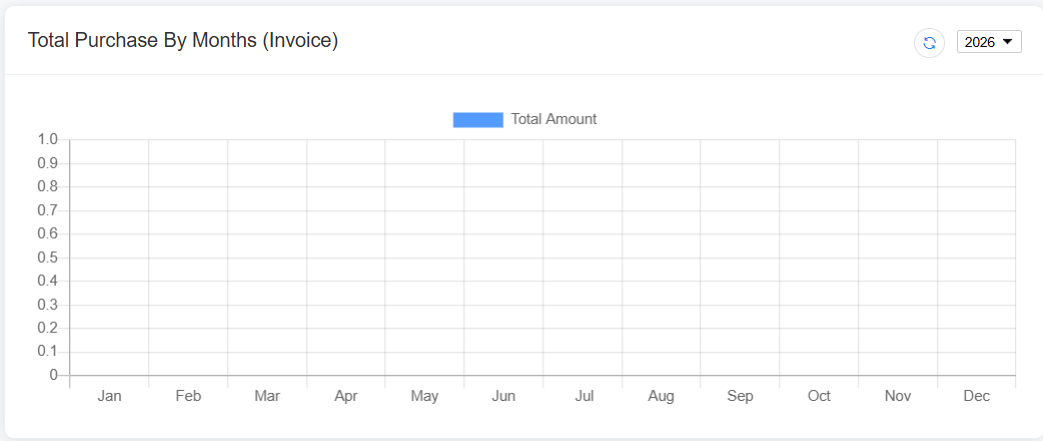
3. Total Purchase By Months
Chart Type
- Bar Chart
Display
Monthly purchasing amount based on completed Purchase Orders or Purchase Invoices.
Purpose
Compare purchasing expenditure across different months.
4. Spend By Group
Chart Type
- Pie Chart
Display
Purchasing expenditure grouped by supplier group, product category, or purchasing group.
Purpose
Identify which purchasing group contributes the highest expenditure.
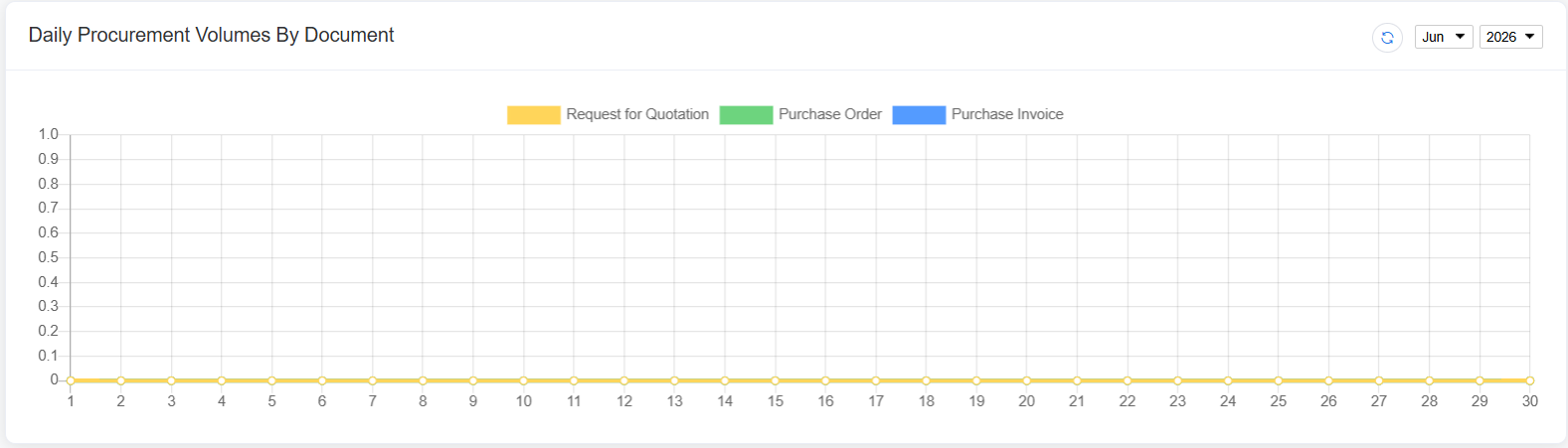
5. Daily Procurement Volumes By Document
Chart Type
- Smooth Line Chart
Display
Daily procurement document volumes, including:
- Request for Quotation (RFQ)
- Purchase Invoice (PI)
- Purchase Order (PO)
Purpose
Monitor daily procurement activities and document trends.
Outstanding Documents
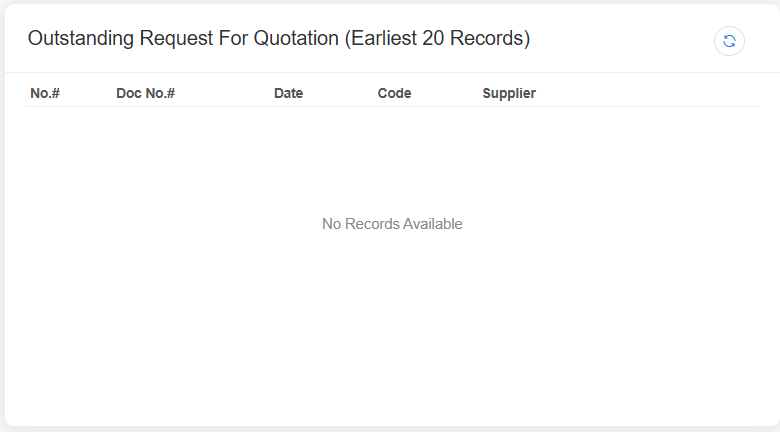
6. Outstanding Request For Quotation (RFQ)
Displays RFQs that have not yet been completed or converted into Purchase Orders.
| Column |
|---|
| No. |
| Doc No. |
| Date |
| Supplie Code |
| Supplier |
Purpose
Track pending supplier quotations.
7. Outstanding Purchase Order
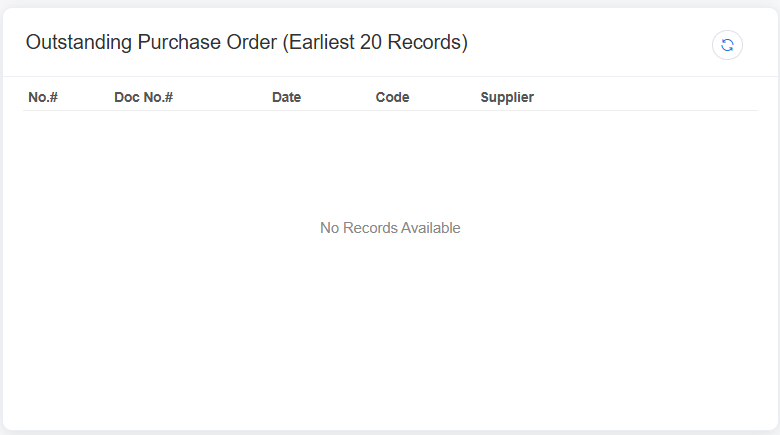
Displays Purchase Orders that are awaiting delivery or completion.
| Column |
|---|
| No. |
| Doc No. |
| Date |
| Supplier Code |
| Supplier |
Purpose
Monitor outstanding purchase orders.
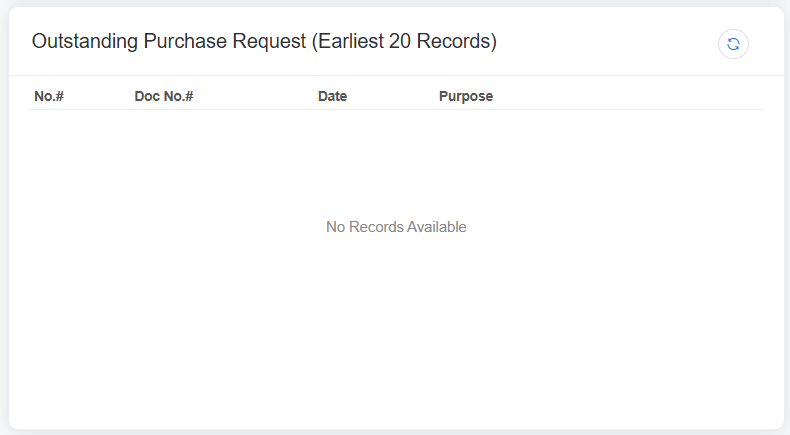
8. Outstanding Purchase Request
Displays Purchase Requests that are waiting for approval or conversion into Purchase Orders.
| Column |
|---|
| No. |
| Doc No. |
| Date |
|
Purpose |
Purpose
Track pending purchase requests before procurement.
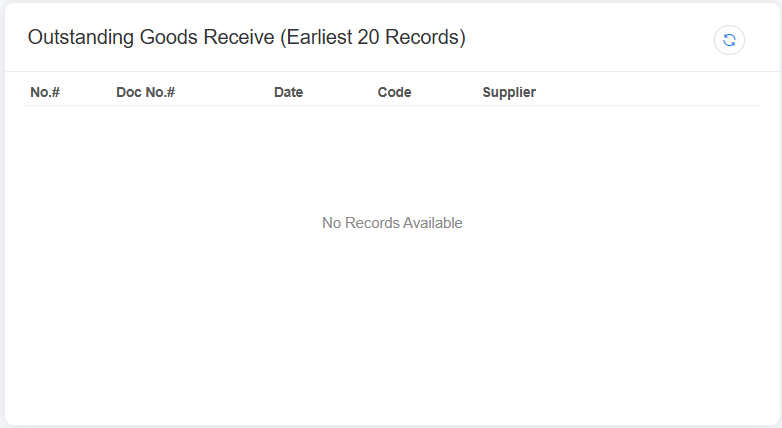
9. Outstanding Goods Receive
Displays Goods Receive documents that have not yet been completed or posted into inventory.
| Column |
|---|
| No. |
| Doc No. |
| Date |
| Supplier Code |
| Supplier |
Purpose
Monitor incoming goods that are still pending receipt.