Payroll Overview
Purpose
The Payroll Overview dashboard provides a comprehensive summary of employee information, payroll statistics, leave management, and employee claims. It enables Human Resources (HR) and management to monitor workforce status, compensation, leave applications, and reimbursement activities from a centralized dashboard.
Dashboard Components
1. Total Active Employee
Type
- KPI Card
Description
Displays the total number of active employees currently registered in the system.
Purpose
Provide an overview of the organization's current workforce.

2. Pending Leave Application
Type
- KPI Card
Description
Displays the total number of leave applications that are awaiting approval.
Purpose
Help HR managers monitor pending leave requests requiring action.

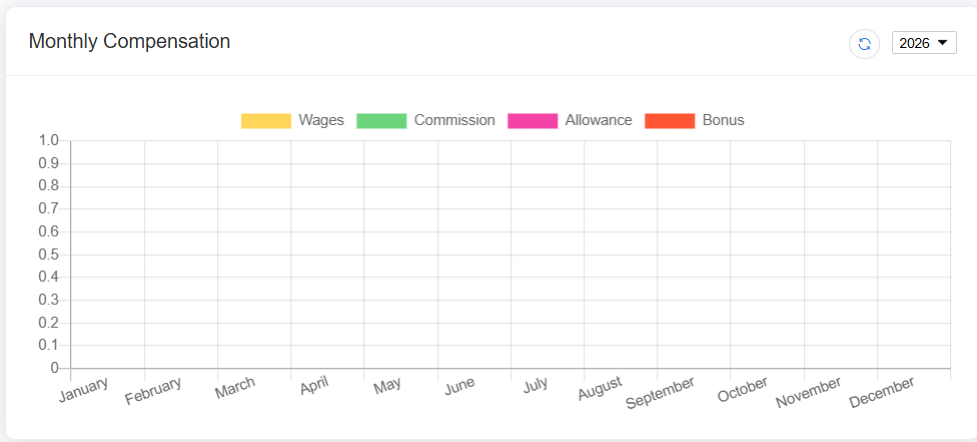
3. Monthly Compensation
Type
- Table
Description
Displays the monthly payroll summary for employees.
Example Columns
| Column | Description |
|---|---|
| Employee ID | Employee identification number |
| Employee Name | Employee name |
| Department | Employee department |
| Basic Salary | Monthly basic salary |
| Allowances | Additional allowances |
| Deductions | Salary deductions |
| Net Salary | Final payable salary |
Purpose
Provide a summary of employee compensation for the selected payroll period.
4. Gender Ratio
Chart Type
- Pie Chart
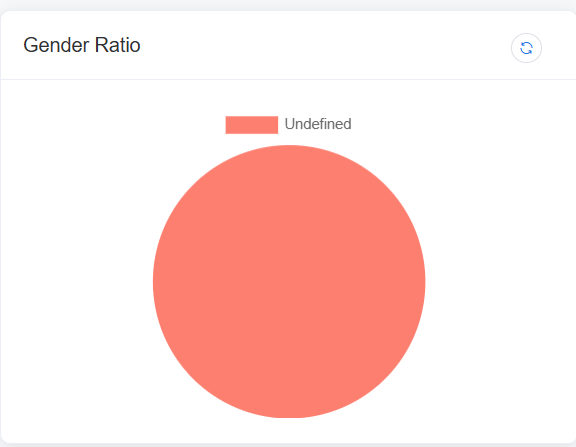
Description
Displays the percentage distribution of employees by gender.
Example
- Male
- Female
- Other (if applicable)
Purpose
Provide an overview of workforce demographics.
5. Monthly Claim
Type
- Table
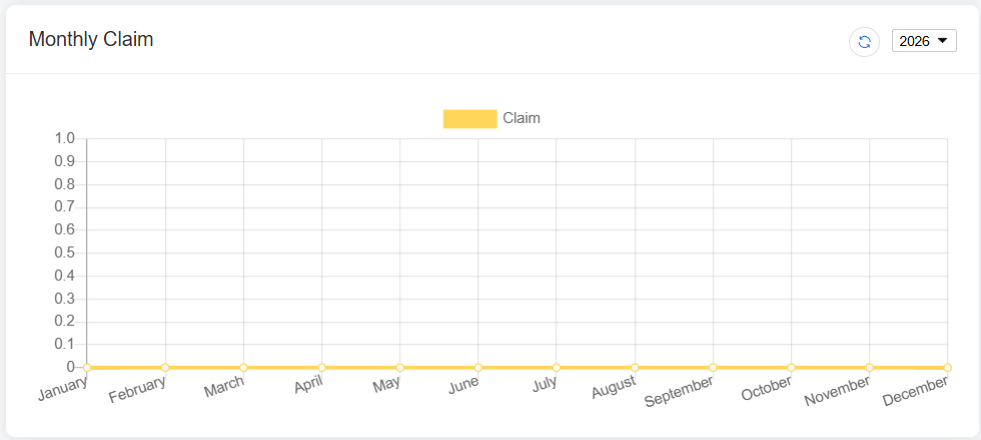
Description
Displays employee reimbursement claims submitted during the selected month.
Example Columns
| Column | Description |
|---|---|
| Claim No. | Claim reference number |
| Employee | Employee name |
| Category | Claim category |
| Claim Date | Submission date |
| Amount | Claim amount |
| Status | Approval status |
Purpose
Monitor employee reimbursement requests.
6. Claim by Category
Chart Type
- Pie Chart
Description
Displays the distribution of employee claims by category.
Example Categories
- Travel
- Medical
- Meal
- Accommodation
- Transportation
- Others
Purpose
Identify which claim categories account for the highest reimbursement expenses.
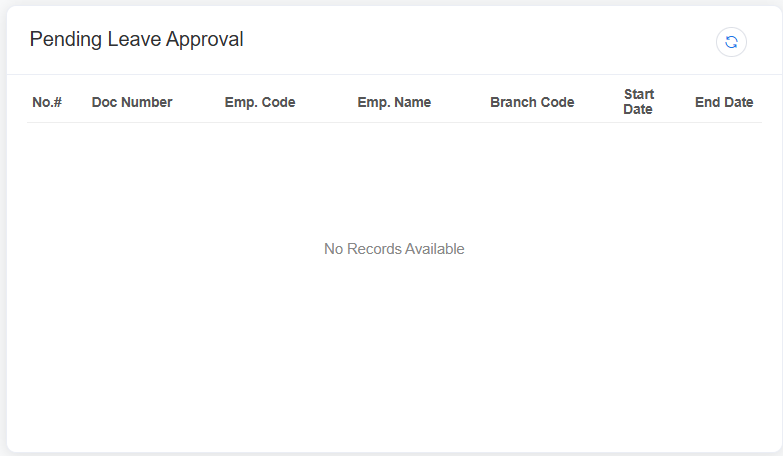
7. Pending Leave Approval
Type
- Table
Description
Displays leave requests that are awaiting approval.
Example Columns
| Column | Description |
|---|---|
| No. | Record number |
| Employee ID | Employee identification number |
| Employee Name | Employee name |
| Leave Type | Type of leave |
| Start Date | Leave start date |
| End Date | Leave end date |
| Applied Date | Date of application |
Purpose
Allow managers or HR personnel to review and approve leave applications.
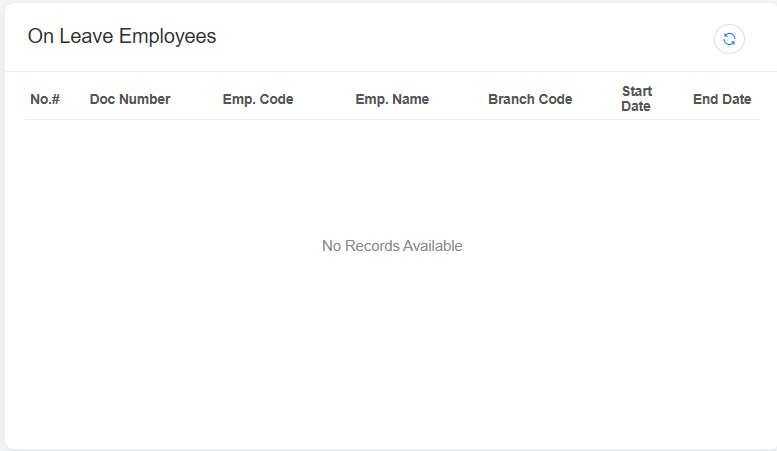
8. On Leave Employees
Type
- Table
Description
Displays employees who are currently on leave.
Example Columns
| Column | Description |
|---|---|
| No. | Record number |
| Employee ID | Employee identification number |
| Employee Name | Employee name |
| Leave Type | Type of leave |
| Department | Employee department |
| Leave Period | Leave duration |
| Return Date | Expected return date |
Purpose
Provide visibility into employees currently absent from work.